When you started your own network this is probably the first question that came to your mind the second after everything was up and running – “Now, how do i get a few more users in here?”.
With over 5000 IRC networks in existence, chances are slim to none that someone actually stumbles over your network and sets up the channel for his users on it.
But fret not, in this post we’ll outline a few ways to attract users to your network and also talk about a few do’s and don’ts when promoting it – read on.
The first steps
So you configured your IRCd, connected the services package of your choice to it – now it’s time to invite the general public to it, right?
Wrong.
You should take some time to familiarize yourself with the new environment and make sure everything works as intended – it’d be pretty embarassing and off-putting to your userbase if the network crumbles into pieces right in front of them. Also, you should train your opers properly so they can provide help to your users as quickly and accurately as possible – your network and its reputation largely depends on its staff.
Of course it won’t hurt if you have a test environment where you can fiddle with settings and services to your hearts content before you introduce them on your main network – it also makes for a good training ground to simulate floods and similar things that would be disturbing on the main network.
An official website where users can turn to to look up general information about your network is helpful and will leave a professional impression for both existing and would-be users.
Indexing services
There are various services on the web that act as a public index for IRC networks and channels – if you want your network to be found, you should consider getting listed with them. IRCDriven, Netsplit.de and SearchIRC.com (IRC-Monitor appears to be offline at the time of writing) will connect to your network, gather a listing of channels and servers and puts them on the web where they are searchable for everyone.
On some of those services you can put your network in one or more categories which will help people finding your net easier. Also, sometimes you can enter additional information about it – if that’s the case, take advantage of it.
For some IRCds there are lists of networks that use them – if you’re using InspIRCd or UnrealIRCd ask to be added to them or add it yourself where possible.
Default Server-Lists
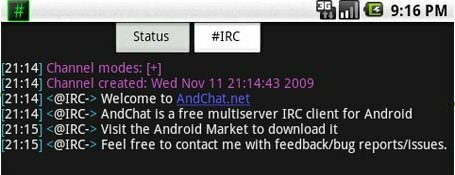
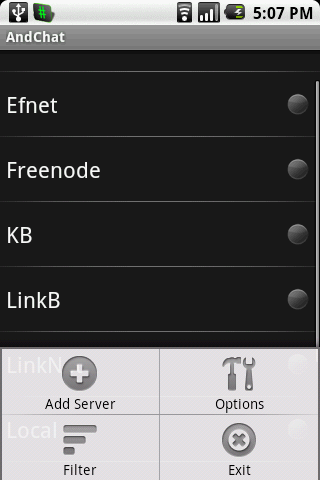
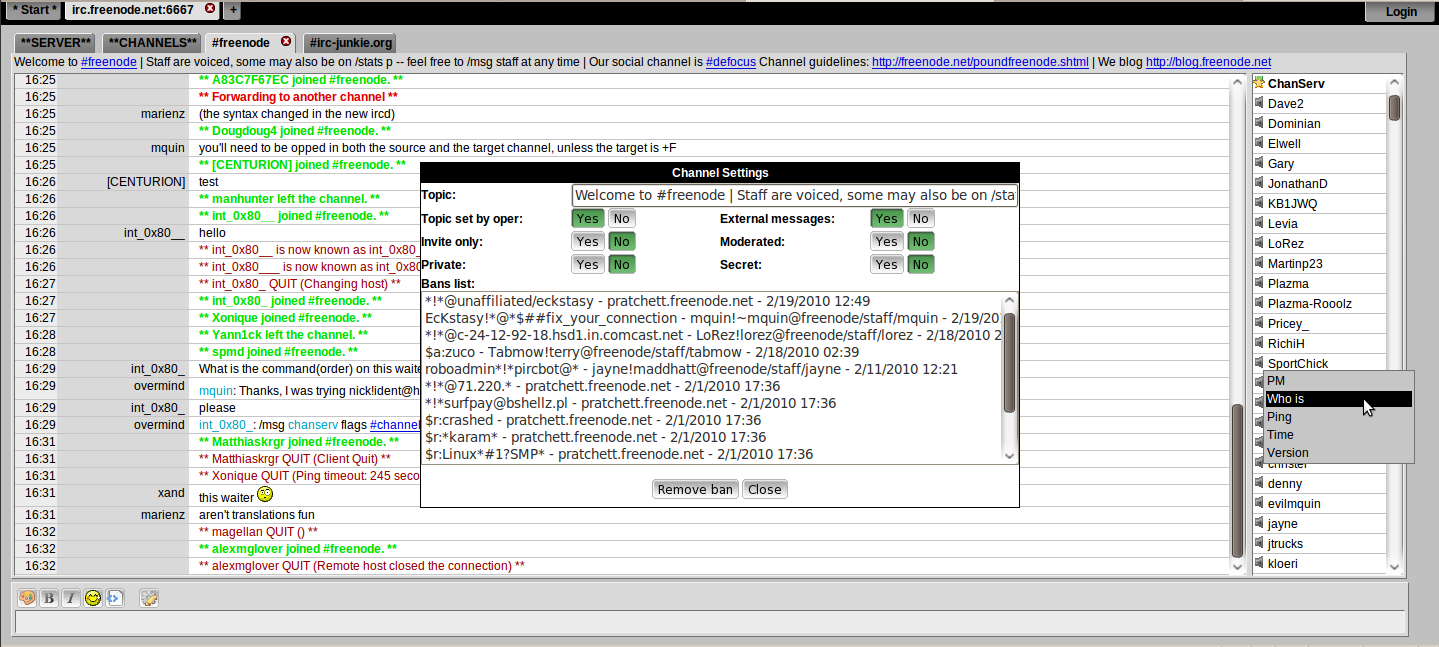
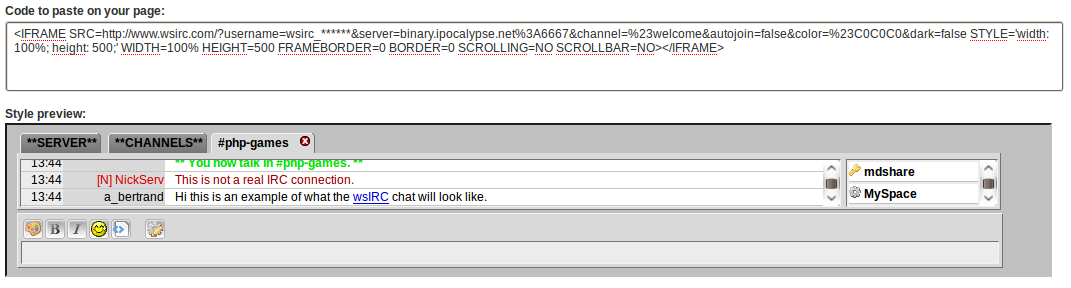
Most IRC-clients come with a default server-list – so do webchats such as Mibbit and wsIRC – and it’s generally a good idea to get your network added to those lists.
Check the official project websites and look for a method to contact the clients author(s) and then formulate a polite inquiry to get added to the list – don’t forget vital information such as the main round-robin, ports and also include a short introduction who you and your network are.
If your network gets added – cool! If not, it’s not the end of the world and maybe it sometimes isn’t even desireable to be in these lists… But be sure to ask for the reason of the rejection so you can re-apply if you fulfill whatever criteria it was that got you denied in the first place.
Embrace Social Networks & Online Communities
If you’ve been on the internet for longer than 5 minutes, chances are you’ve heard about Facebook, Twitter and the likes or even already have an account there – use them as a tool to further network with your users.
Ask them to follow you, join your group and to retweet or share your posts – the more the merrier (but don’t over-do it). Twitter and Facebook are a nice way to communicate with your users, post smaller updates about what’s going on on your network that don’t warrant a frontpage posting on your website – or, should the worst case happen and your network is offline for whatever reason (DDoS, power outages or a zombie outbreak come to mind) you can let them know of alternative ways to connect.
If you’re already active on any kind of forum you also could add the websites URL to your profile or signature – being helpful and an active contributor in these communities is a sure way for your network to garner additional attention, especially if they are related to the niche your network belongs to.
Be unique
There’s a reason why networks like QuakeNet and freenode are among the biggest IRC networks worldwide – they’ve picked a niche they cater to and they’re good at it. They also offer a unique feature set that sets them apart from other networks which makes for a great recognition value.
What you want to offer to your users is up to you and only limited by your imagination – If you’re able to program, why not create custom features for your IRCd or services package? Statistics for channels, Eggdrop lending, a free bouncer for your network are just a few possibilities you could realize even without being able to code.
Oh and did i mention that friendly and well-trained staff won’t cost you a dime but will get you a good reputation?
Involve your users
Sure, this is your network and you probably created it to have things your way – but think about it for a minute… What is a network without users?
So, wherever possible, ask them about their view on things. Create polls and even if those don’t turn out the way you expected or wanted, you should go with the result then – otherwise you’ll lose their confidence in your network. Involve them & let them know what is going on “behind the scenes” – announce any changes you plan to make and ask them about their opinion – i’m sure you’ll learn a thing or two in the process 
If you’ve got to do maintenance on the network, be it updates on the server or updates to the software powering the network – let your users know about it and announce it way beforehand – you’ll avoid much frustration and moaning if the users know why your network splitted for the fifth time in 10 minutes.
Don’t annoy your users
There are a few pitfalls as well as surefire ways to expel your users from the network and never return again – lets examine a few so you don’t have to make them.
Take the usermode +W for one – if you have to use it, fine – but don’t get infuriated if users repeatedly /WHOIS you, let alone think about banning them from the network for doing so. This works the other way around too – don’t be too nosey and join channels that intentionally have been hidden – Users don’t like to be spied on!
Auto-joining users on connect to whatever channel you thought would be good for them to idle in. NEVER. EVEN. THINK. ABOUT. DOING. THAT. Got that?
Good – because they’re users and not sheep that like to be bossed around. Actually, i’m sure not even sheep like that. Gently nudging (read: announcing where it is to be found) them towards your help-channel by announcing it in the MOTD or logonnews is acceptable however. Generally speaking, your users should be doing something because they want to do it and not because you forced them to.
Epilogue
I hope you picked up a thing or two that you didn’t know, think of or have heard before – lets hope your network will be a success
If you have used any means to promote your network that aren’t mentioned here, let us know in the comments!
 Copyright secured by Digiprove