
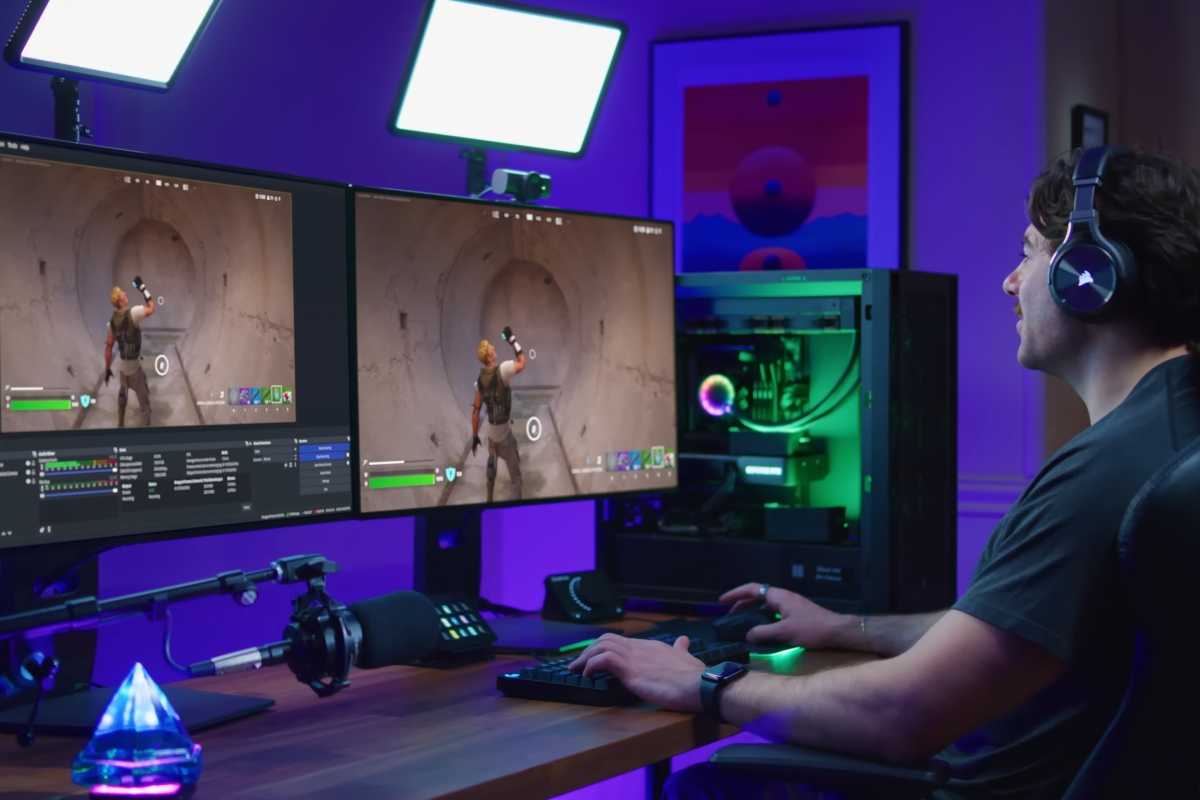
NVIDIA Broadcast updates to add RTX Super Resolution and RTX Frame Generation to your live or recorded videos
For content creators, streamers and other users who use AI for their video creations, NVIDIA has announced the new version of Broadcast 2.3.0. This new version adds two new video effects supported by the NVIDIA AIRTX Video Super Resolution and RTX Video Frame Generation. Two well-known functions that were already in the world of gaming, and that are now also available for Broadcast users.
NVIDIA Broadcast 2.3.0 adds 4K video upscaling and frame generation
Now, you can take the video from your camera to a 4K resolutionand you can also add frames to your videos. The latter also adds a new mode that processes already recorded videos, so you can also add frames to your previous creations, not necessarily for live broadcast.
He video scaling It is offered in beta version, and allows you to scale the resolution of your webcam up to 4K. You can do this scaling as long as you have a NVIDIA RTX 3060 or higherand good lighting is recommended for satisfactory results.
The frame generation It works with NVIDIA RTX 40 graphics and higher, although at the moment it is also in beta phase. If you are going to broadcast live, it is capable of increasing the FPS of your camera up to 60, but in already recorded videos it offers 2x and 4x frame generation. This would turn a video recorded at 30 FPS into up to 120 FPS.
NVIDIA Broadcast allows you to apply effects to recorded videos and audios
The new version also allows you to improve the videos already recorded, not only by applying a higher FPS rate as we have seen before. NVIDIA Broadcast can also add audio and video effects Broadcast compatible, and sometimes the results can be even better than applying them live. You can apply them to MP4, MP3, M4A and WAV video and audio formats, with support for H.264 (8-bit) video and AAC audio.
NVIDIA Broadcast 2.3.0 adds support for RTX Spark and new voice profiles
Besides, NVIDIA Broadcast 2.3.0 becomes compatible with RTX Spark systemswhich are just around the corner. It also adds AI features with agents to control streaming settings. The microphone now includes 4 profiles for quick and default voice adjustment.
You can now download this new version of NVIDIA Broadcast for Windows and Windows on Arm directly from its website, we leave you with the complete list of changes below.
- RTX Spark Support: Added support for RTX Spark devices.
- New media file processing mode: Allows you to apply NVIDIA Broadcast-compatible effects to videos and audio files.
- Supports MP4, M4A, MP3 and WAV formats, with 8-bit H.264 and AAC codecs.
- Audio processing is limited to two channels.
- Some effects can offer higher quality when processing files than when using them in real time, to achieve the best possible result.
- This mode cannot work simultaneously with live processing.
- New artificial intelligence effects:
- RTX Video Super Resolution (beta): improves the resolution of webcams and stored videos up to 4K. It is available for RTX 3060 and higher graphics cards. For best results, proper lighting is recommended. If the original image is too soft, the system tries to avoid over-sharpening.
- RTX Video Frame Generation (beta): Increases webcam frame rate up to 60 FPS in real time. When rendering files, you can double or quadruple the frame rate of the video. Requires a GeForce RTX 40 series GPU or higher.
- Integration with AI agents using an MCP server: Agents can view and modify supported NVIDIA Broadcast settings, as well as process media files. All these operations are carried out locally on the computer.
- Four voice profiles with Studio Voice: Allows you to choose between Default, Bright, Bright and Warm profiles to adapt the microphone sound to different voices, speaking styles and environments. Enhancements are applied automatically, without the need to manually configure audio filters or require advanced knowledge.
- Revamped Setup Wizard: The initial onboarding process is updated to include new file processing features and AI agent tools.
