
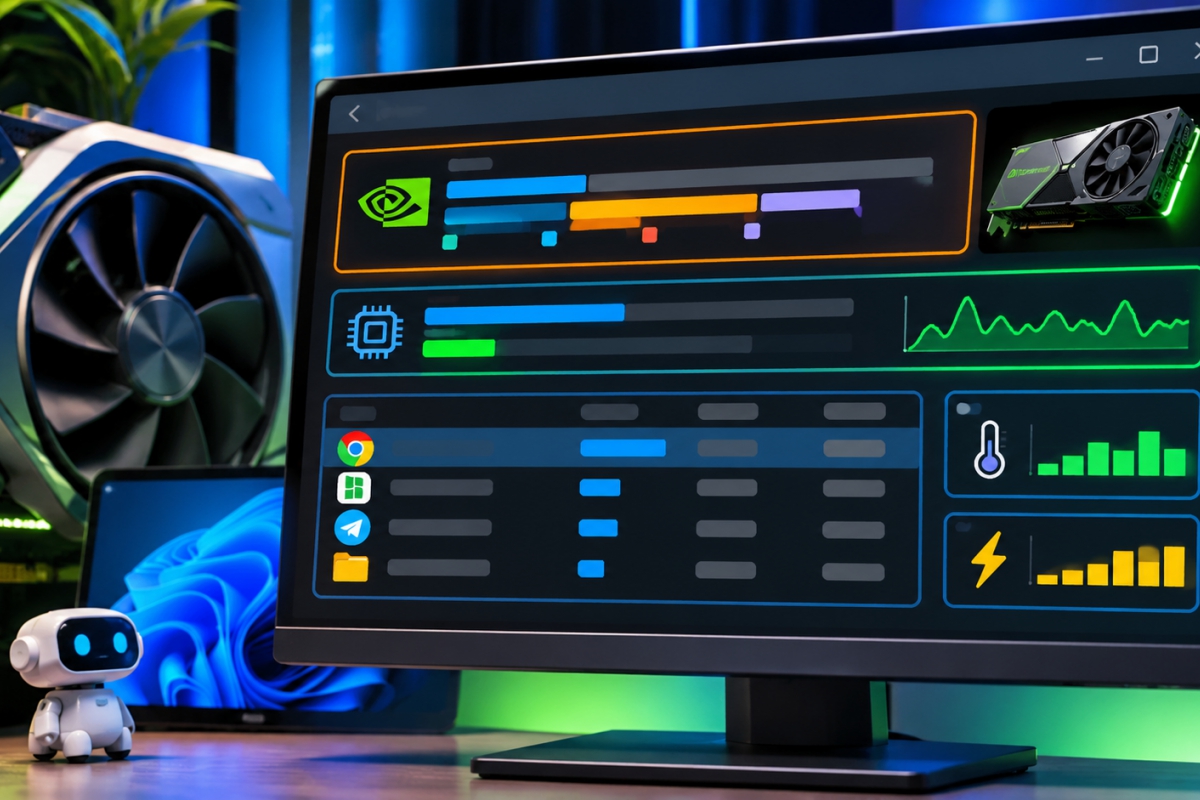
gputaskman allows you to know which applications consume the VRAM of your graphics card in real time
He windows task manager It offers us a visual of the system resources and their use. But for the VRAM memoryconsumption is specified in a general way, without knowing exactly which applications are using this precious memory. To know more details about the VRAM usageScott Hanselman (vice president of Microsoft) has launched gputaskman, an open source application that will offer you all this information.
gputaskman allows you to know which applications consume the GPU’s VRAM memory
The utility is free and open source, and allows monitor the VRAM resources of our GPUwith a detailed analysis of this consumption. In the analysis you will be able to find which applications are using VRAM memory, and how much of it they consume, as well as the current workloads that use GPU memory. You will be able sort list of processes by consumption and get more information about each one individually.
This also allows you to see the local AI loadsrecognizing models executed through the usual tools such as LM Studio, Ollama or llama.cpp. The app displays model names, allocated memory, estimated consumption, etc. The developer himself warns that in this section not all values are measured directly and memory problems may be an estimate.
Compatible with NVIDIA, AMD, Intel and Apple Silicon on Windows, Linux and macOS
With gputaskman you can see the memory usage, clock speed and temperature that the GPU has, as well as the energy consumption with real-time information. It is also capable of detecting software execution environments such as its own. NVIDIA CUDA, Vulkan or Direct3D.
Another advantage is that it is available for Windows, Linux and macOSit even has a native version for Windows Arm and can be installed using Python package managers. It is compatible with graphics from major companies, including NVIDIA, AMD, Intel and Apple Silicon. It is currently in version 0.4.0and Hanselman himself says that this software is still in the experimental phase and can be found on GitHub.
