
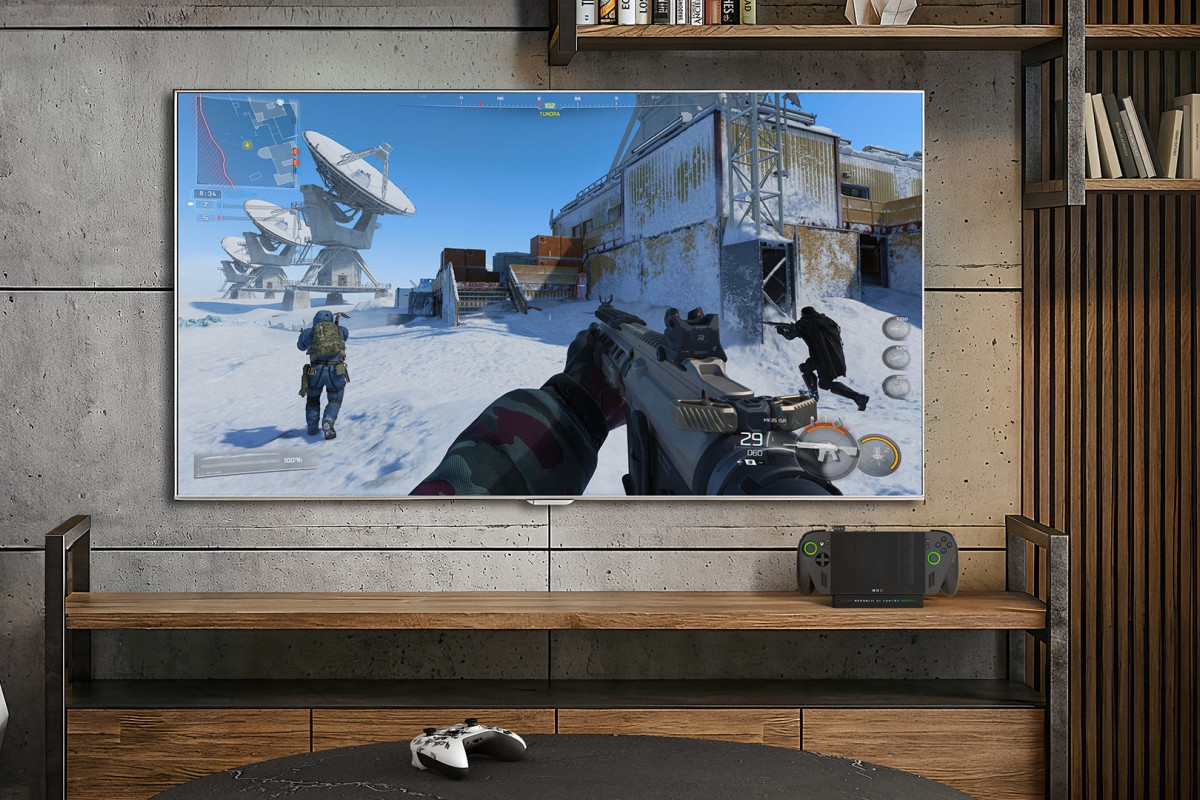
Microsoft officially adds AutoSR to ROG Xbox, including a new 120 FPS Performance mode
Although the function Microsoft AutoSR It was already in the testing phase in ROG Xbox Ally X and X20has just come out of beta to be officially implemented. This update adds Auto SR with a performance mode up to 120 FPS and compatibility with Auto HDR. The update also includes some laptops with the label Copilot+ PC with AMD Ryzen processors.
Microsoft brings Auto SR to ROG Xbox Ally and Copilot+ PC laptops
Now Microsoft also offers its AI scaling technology for these ROG Xbox Ally X and X20 consoles, and on the laptops mentioned above. Technology is capable of taking advantage of GPU and NPU to increase image resolution in games. A technology similar to DLSS, FSR XeSS and other substitutes exclusive to the different platforms, but in this case it is applied directly from the operating system, and without developers having to update their games.
Auto SR removes the 75 FPS limit from Quality mode and reaches 120 FPS in Performance mode
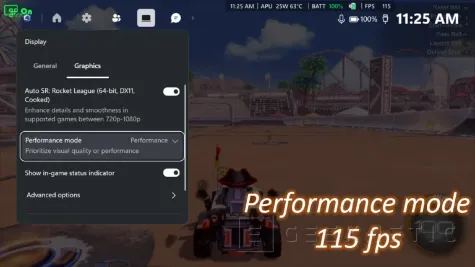
The limitation of 75 FPS for AutoSR has been removed, adding a performance mode that goes up to the 120FPS. Microsoft has compared the performance mode in Rocket League with 720p resolution, where it has reached up to 115FPSfrom the 70 achieved in Quality mode. That’s over 60% more FPS unlocked with this new feature, without doing anything else.
AutoSR also already works in the integrated screen of the ROG Xbox Ally X and X20even when powered by battery. The feature is also supported at 1080p resolution, and by connecting an external display you can raise the resolution up to 1440p. Another novelty is that now AutoSR can work together with Auto HDRsince previously you had to choose to enable one function or another, not being both possible at the same time.
Update to get these new features
If you have one of these consoles, you can now use all these new features, for which you will have to have the latest Windows 11 updatesas well as download the Auto Super Resolution package available in the Microsoft store. To configure the different modes it will also be necessary to have the xbox game barin the graphics section you have the Quality and Performance modes available.
The new Performance mode may not be available yet, as well as automatic Auto HDR together with Auto SR. These features are currently being distributed through Windows Updateand may take a few days to complete.
