
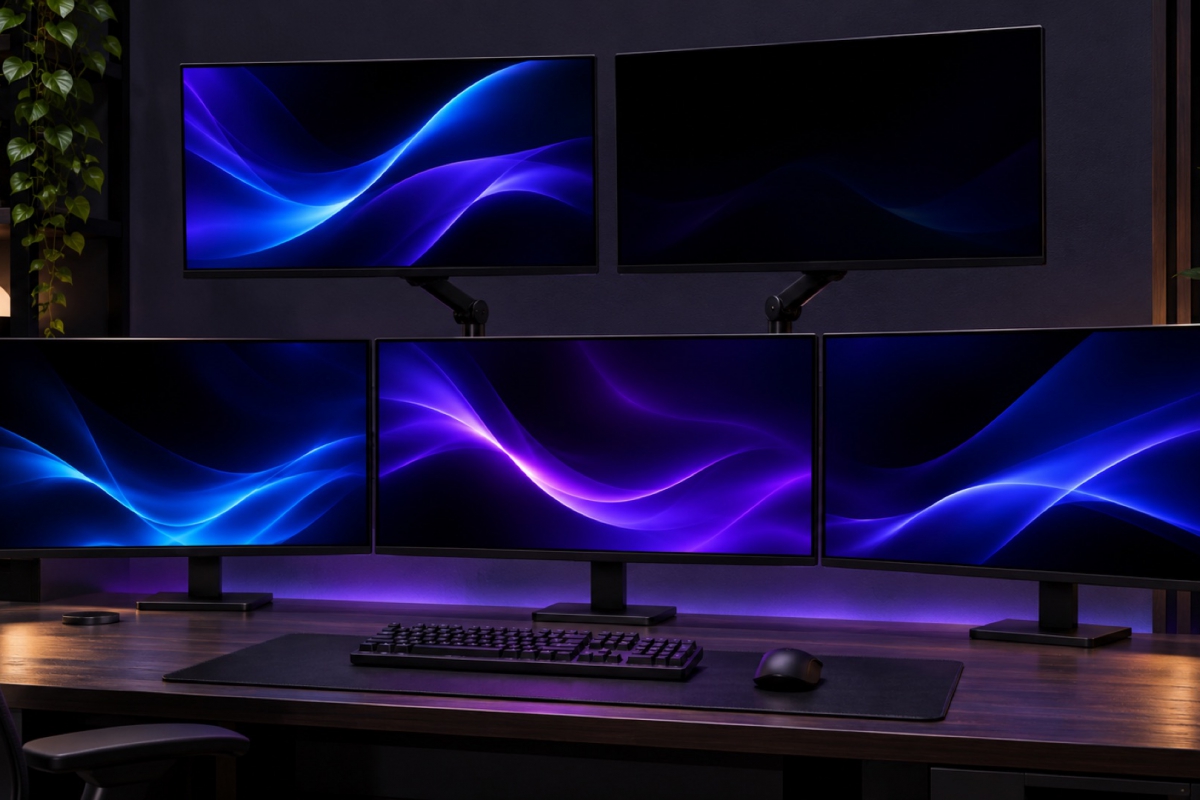
OLED Engine 1.1.0 improves protection for up to five OLED monitors from Windows
OLED Engine has received the update 1.1.0which improves the management of inactive screens and makes it easier to change settings from the Windows system tray. The free application allows up to five monitors to be adjusted separately and is aimed at reducing the time during which static elements remain visible.
The new version includes diagnostic reports and fixes issues related to the mouse and desktop icons. Its developer also announces less CPU consumption and fewer disk accesses, although the release notes do not include measurements with which to quantify this reduction.
Dimming and black screen with independent settings
The operation starts from detecting periods of inactivity and applying a dimming or a black screen. On an OLED display, the pixels that represent black may remain off. Reducing the exposure of static areas limits one of the situations that contribute to uneven panel wear.
The utility allows you to configure times and levels per monitor. This is convenient when the main screen maintains a game or application active while a secondary screen maintains a messaging window. Each one can follow its own settings, without necessarily imposing the same behavior on the entire desktop.
It also includes hiding elements such as the cursor, icons and the taskbar. These areas can remain in the same position for a long time. The tool allows you to automate its hiding during user-defined periods, instead of depending on manually changing the desktop every time you leave the computer.
The developer differentiates between usage situations, such as desktop, game or paused video. The application can take into account video playback and controller activity so as not to automatically interpret lack of mouse movement as absence of the user.
That distinction avoids a common problem with overly simple timers: a movie or game can keep the user busy without touching the keyboard for several minutes. Per-application detection and exclusions help tailor automation to these cases.
Profiles accessible without opening the settings window
Version 1.1.0 adds quick access to profiles from the Windows tray. This way, changing settings does not require you to keep the main window open. A user can apply different settings when working, playing, or leaving an auxiliary display on.
The update also modifies recovery after manually activated dimming or dimming. Mouse movement wakes up the screen in those states. Fixes include bugs in the cursor and visibility of icons that could appear around black screen mode.
The new diagnosis is activated with Ctrl+Alt+H and gathers information on the operation of the automations. The report is copied to the clipboard and displays the status of items such as dimming, profiles, and activity detection.
The application also incorporates changes between HDR and SDR profiles. G-Sync automation is optional and requires NVIDIA Profile Inspector, user-prepared profiles, and running OLED Engine with administrator permissions.
For panel maintenance, OLED Engine includes pixel refresh tracking and reminders. The reminder helps organize that task, but the compensation process depends on the monitor himself. The program does not therefore acquire universal access to the internal cycles of any screen.
An aid to control static exposure
The name burn protection describes the purpose of the software. The app manages what appears on the screen and for how long; cannot repair emitting material that has already degraded or guarantee the absence of permanent marks.
The functions of the monitor manufacturer still have their own role. Pixel shifts, internal luminance controls, and compensation cycles work from the computer. OLED Engine adds automations to your computer and can be useful when using displays from different brands.
Portable download and code available
The project is distributed from GitHub as a portable application. The developer indicates that you must extract the compressed file and keep your files together. Configuration, logs, and backups are saved alongside the executable.
The code uses AutoHotkey v2 and is available for reference. Publications include a SHA-256 fingerprint to verify that the downloaded file matches the distributed one. That check verifies integrity; It does not constitute a security audit of the program.
The author warns that Windows can display warnings when faced with a new unsigned executable. Version 1.1.0 is now published in the repository, with reactivation fixes and new access to profiles.
