
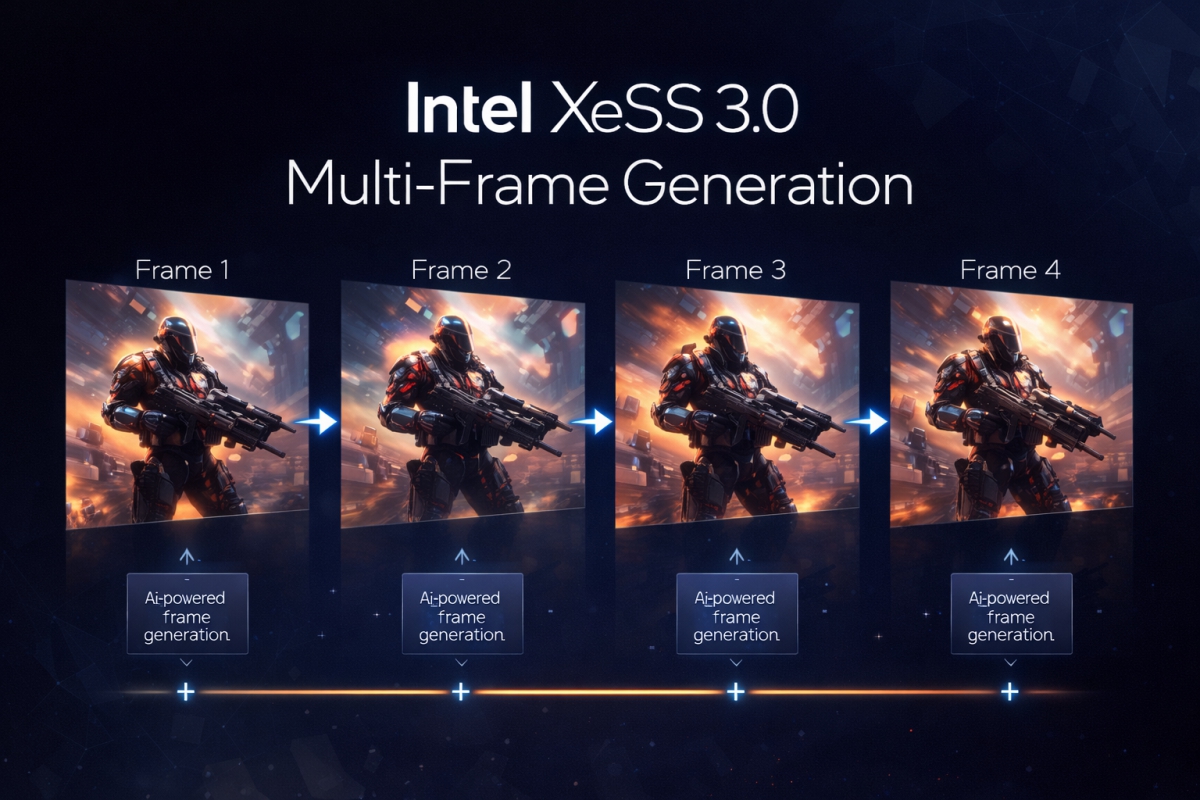
New Intel drivers 32.0.101.8509 that add MFG to dedicated and integrated Intel Arc Battlemage and Alchemist
The launch of the new Panther Lake It also meant the availability of drivers compatible with the new Intel Arc B390 and B370 graphics. With this version also came XeSS 3.0which added the multiple frame generationalthough initially it was only compatible with iGPU of these Panther Lake. Intel had promised to extend this compatibility to other GPUs in the Intel Arc range soon, and this has been the case with the launch of the new version of the drivers 32.0.101.8509 WHQL.
New Intel 32.0.101.8509 WHQL drivers add XeSS 3.0 and multi frame generation to dedicated and integrated Intel Arc Battlemage and Alchemist
This new version of the drivers comes to add compatibility with XeSS 3 and multi frame generation on other Intel graphics solutions. Specifically, this version adds support for Intel Arc B Series (Battlemage), Intel Arc A Series (Alchemist)the GPUs integrated into the Intel Core Ultra 2 (Lunar Lake and Arrow Lake) and those of the Intel Core Ultra (Meteor Lake).
But the manufacturer did not want to miss the opportunity to fix some problems that we had found in previous versions of the drivers, including some with the latter Intel Panther Lake. These are:
Intel Core Ultra Series 3 with integrated Intel Arc Graphics
- Fixed a bug in Ghost of Tsushima with DX12 which caused errors in the colors of the terrain during the game.
- An unexpected closing of Mount & Blade II: Bannerlord with DX11 when starting the game.
Intel Arc B Series
- Fixed a bug in Ghost of Tsushima with DX12 which caused errors in the colors of the terrain during the game.
- Improved accuracy of 3D GPU usage displayed in Task Manager, which could reflect irregular metrics.
Intel Core Ultra Series 2 with integrated Intel Arc Graphics
- Fixed a bug in Ghost of Tsushima with DX12 which caused errors in the colors of the terrain during the game.
- Improved accuracy of 3D GPU usage displayed in Task Manager, which could reflect irregular metrics.
In addition, they have also left a series of known issues that will be resolved in subsequent versions of the drivers, including some with the newly released Intel Xe3. These are:
Intel Core Ultra Series 3 with integrated Intel Arc Graphics
- John Carpenter’s Toxic Commando with DX12 may close unexpectedly during gameplay.
- Naraka Bladepoint with DX12 can be closed when activating Ray Tracing.
- The Finals with DX12 You may experience intermittent shutdowns.
- No Man’s Sky with Vulkan may show graphical errors on certain terrain.
- Star Citizen with Vulkan may close when starting the game.
- PUBG: Battlegrounds with DX12 There may be intermittent flashing in the menu.
- Mafia: The Old Country with DX12 can be closed during the game.
- Topaz Video AI may display visual artifacts with some AI models.
Intel Arc B Series
- John Carpenter’s Toxic Commando with DX12 can be closed during the game. It is recommended to use the driver 32.0.101.8331 or earlier.
- Naraka Bladepoint with DX12 can be closed when activating Ray Tracing.
- Call of Duty: Black Ops 6 with DX12 may show intermittent visual errors on water surfaces.
- Dune: Awakening with DX12 may experience graphical flickering during gameplay.
- Star Citizen with Vulkan may close when starting the game.
- PugetBench for DaVinci Resolve Studio may close intermittently when running the benchmark. It is recommended to increase the waiting time to 1500 seconds or more in the settings.
Intel Arc A Series
- PugetBench for DaVinci Resolve Studio may close intermittently during the benchmark. It is recommended to increase the waiting time to 1500 seconds or more.
Intel Core Ultra Series 1 with integrated Intel Arc Graphics
- Battlefield 6 with DX12 may display intermittent graphical errors on certain maps.
Intel Core Ultra Series 2 with integrated Intel Arc Graphics
- John Carpenter’s Toxic Commando with DX12 can be closed during the game. It is recommended to use the driver 32.0.101.8331 or earlier.
- Call of Duty: Black Ops 6 with DX12 may show intermittent visual errors on water surfaces.
- Battlefield 6 with DX12 may show intermittent graphical errors on certain maps (especially on some laptops).
- No Man’s Sky with Vulkan may show graphical errors on certain terrain.
- Topaz Video AI may display visual artifacts with some AI models.
If you have any of these Intel Arcwhether from the generation Alchemist, Battlemageintegrated or dedicated, now you can use the multiple frame generation thanks to compatibility with XeSS 3.0. Update now from Intel’s own software or by downloading the complete package from its website. Remember that if you have problems with the drivers you can use DDUwhich has also just updated its version with improvements.
Juan Antonio Soto
I am a Computer Engineer and my specialty is automation and robotics. My passion for hardware began at the age of 14 when I broke down my first computer: a 386 DX 40 with 4MB of RAM and 210MB of hard drive. I continue to give free rein to my passion in the technical articles I write for Geeknetic. I dedicate most of my free time to video games, contemporary and retro, on the more than 20 consoles I have, in addition to the PC.
