
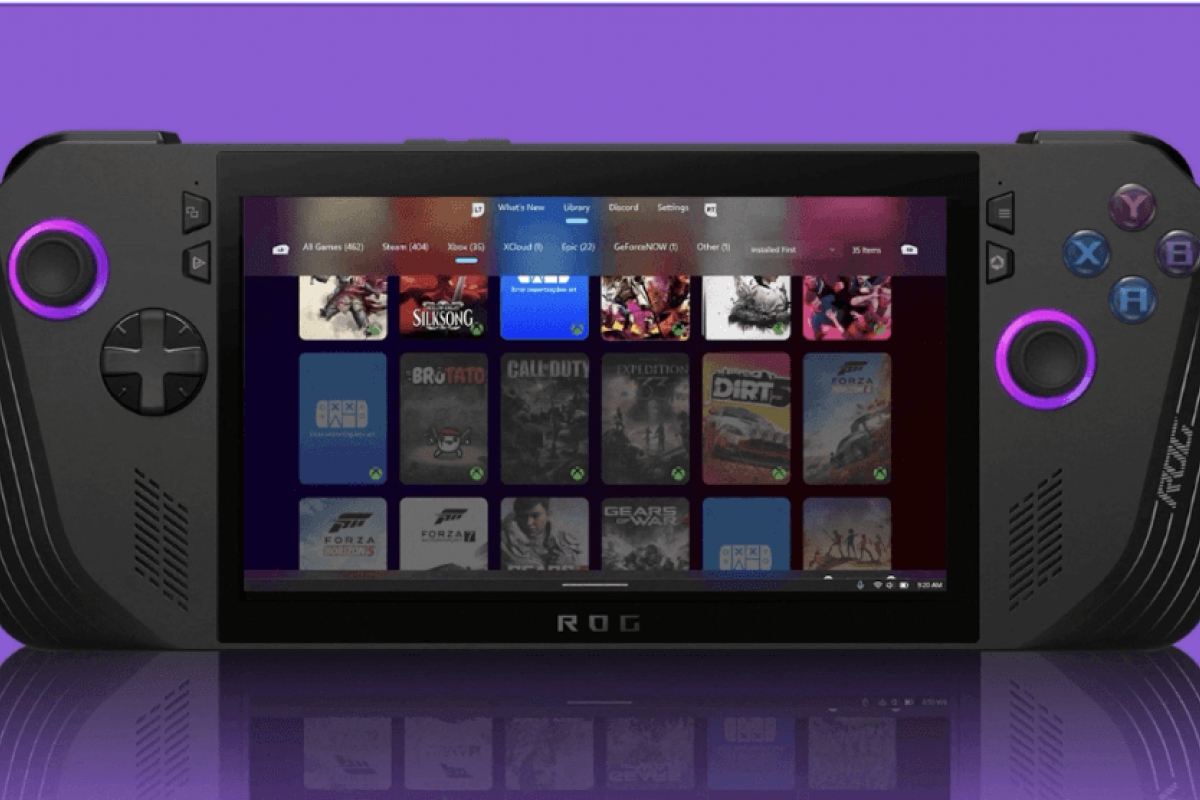
Winhanced wants to replace the Xbox experience on portable consoles with Windows
The portable consoles with Windows are becoming more and more fashionable, so much so that developers are even offering alternatives with an improved interface that add new functions beyond those offered by the Xbox app. Winhanced It is compatible with a multitude of consoles of this type, and also offers improvements such as Compatibility with PlayStation game library and emulatorseverything in form automatic and simple.
Winhanced wants to improve the experience of portable consoles with Windows
This alternative to xbox app offers more features on portable devices with Windowsknown as consoles. Winhanced now you can also register as starter appallowing this application to be started with the well-known full screen experience. Additional features such as library analysis one of the best known in games like Steam and Xboxand can also be used with keyboard and mouse or with a gamepad.
The app also integrates seamlessly with the game barand allows controls like TDP, profiles, resolution, refresh rate, performance overlayetc.
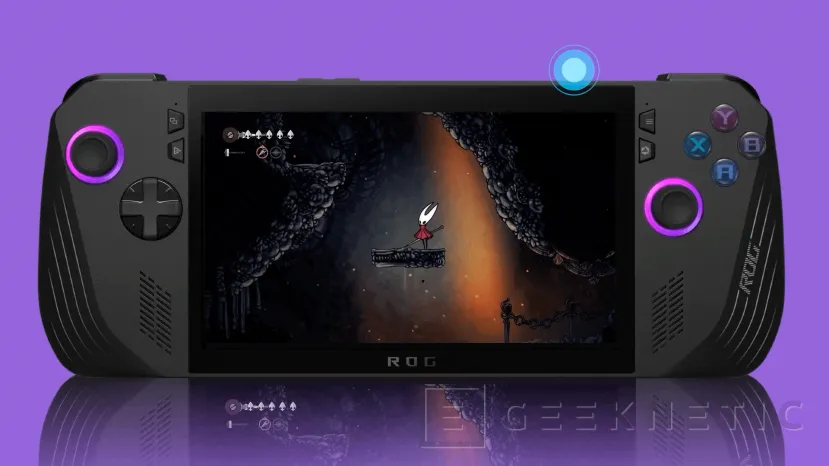
Winhanced is now compatible with Steam, Xbox, PlayStation and cloud services
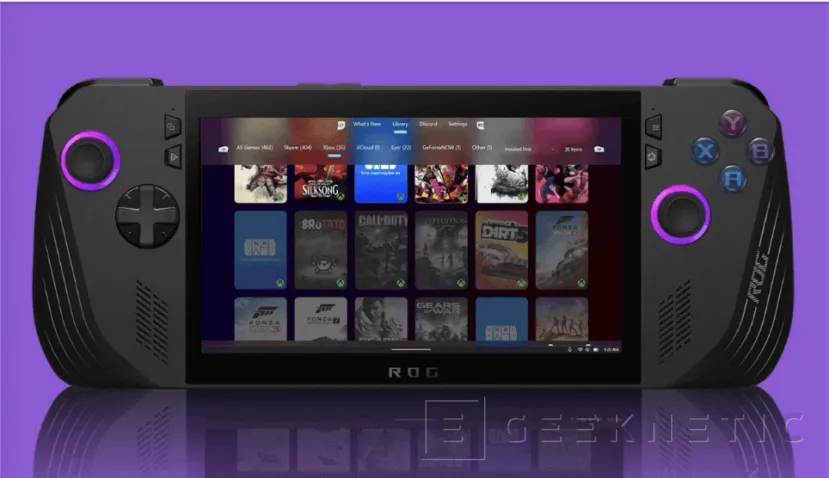
For games, Winhanced You can now display games from the main libraries, these are:
- Steam
- Xbox
- Epic Games
- GOG
- PlayStation
- Game Pass
- xCloud
- GeForce Now
In addition, it has support for the main brands that have this type of devices such as ASUS, Lenovo, Steam, GPD and OneXPlayerand also here all the Windows computers that have a connected gamepad. Although these are the platforms that have been tested since Windows Centralit is surely compatible with even more.
Latest version adds support for PlayStation and AMD Fluid Motion Frames 2
The latest version of Winhanced adds compatibility with PlayStation libraryallowing it to be imported for startup in a more comfortable way. Although it cannot run games PS5Logically, yes it can start a PS5 and run a game via remote play through software Chiaki.
To make your games smoother, this version also offers support for AMD Fluid Motion Frames 2which can generate frames in games at the software levelwithout having to implement the function by the developer himself. You can also use the app Lossless Scalingwhich adds more scaling options on top of the amd.
Winhanced prepares profiles per game and a sleep mode similar to that of consoles
The app developer has also offered more details that are being included in the preview version. For emulators, this software can run Emulation Stationalthough it cannot execute ROMs directly. Other changes also add differentiated profiles per game, TDP control for personalized optimization of consumption and game sleep mode similar to current consoles.
Available to all users
PlayStation Library: direct import and remote boot of the console
- The PlayStation library leaves early access and becomes available to all users.
- You can log in with your PSN credentials to automatically import your game catalog, just as it already happens with Steam, Xbox, Epic Games and GOG.
- It is a independent royal libraryseparate from the already existing access to PlayStation Remote Play.
- Although does not allow you to install or run PlayStation games locallyyes you can start titles installed on your PS5.
- From a game sheet you can press “Play”making Winhanced turn on the console remotelylaunch the game and automatically open a session remote play via Chiaki.
- Requires having Chiaki installed and configured. The setup guide is located at Settings → Libraries → PlayStation.
New option to disable visual effects
- A new option is added in Settings → General for disable specular reflections (specular highlights).
- This visual effect is only displayed when the launcher is active in the foregroundremaining paused during the game or when changing windows.
- Designed especially for users who want save battery.
Controller navigation improvements
- The section Friends Hub and the menu Settings have received improvements to offer a smoother navigation with controller.
- The right panel of all settings menus can now be scrolled using the right stick.
Early Access Features
New App Library
- Now you can scan and import any installed appincluding Progressive Web Apps (PWA).
- Applications are added to a new independent libraryseparate from the section Other Library.
- To configure it you must access Settings → Libraries → Apps → Scan apps.
- The tab Apps It will only appear when you have added at least one application.
Emulator Library
- Winhanced now you can Automatically detect and import up to 108 emulators during the first analysis.
- In Settings → Libraries → Emulators you will be able to see all those detected automatically.
- Also includes a manual scanner to add undetected emulators.
- The software does not import or organize ROMslike a traditional frontend would do.
- Instead, allow directly run the emulator or frontends already configured as Emulation Station.
- Both applications and emulators work like shortcutskeeping intact the button mappings and native settings.
Features still pending
- This update is focused on add new featuresso some fixes are still in development.
- The Fixes for Legion Go 2.
- They also continue working on the Xbox Ally X device misidentification issues.
- The developer hopes to offer What’s new in the next version.
