
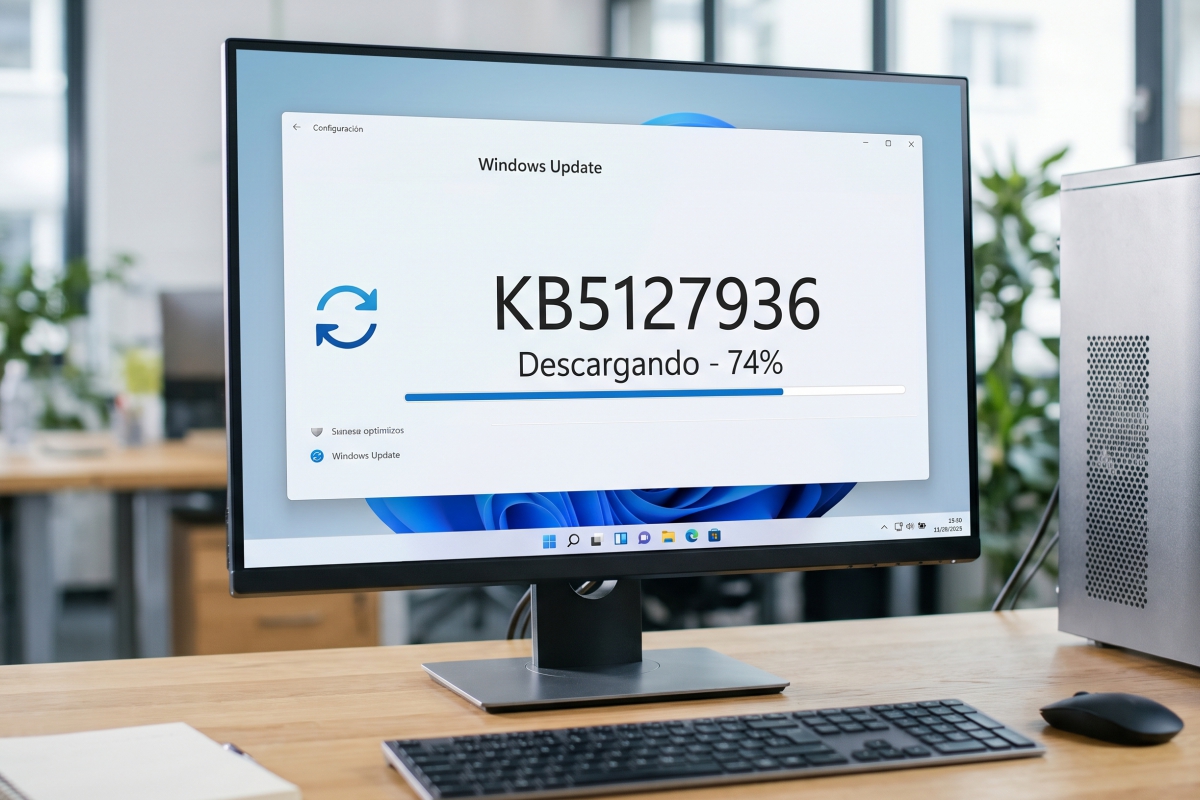
Windows 11 is updated with version KB5127936: direct reinstallation from the cloud and in-depth changes to the right click
We already have the cumulative update here KB5127936 for Windows 11. This is aimed at computers that run versions 25H2 and 26H2. This package introduces several important changes, both in terms of functionality and interface. Now, of all of them, there are two that stand out above the rest.
We refer to reinstallation from the cloud without requiring a pendrive and to the modifications that the company has made in the context menus of the file explorer.
Direct reinstallation from the cloud without the need for USB sticks
In our opinion, one of the most important additions of KB5127936 is the so-called Reconstruction in the cloud. What exactly does it entail?
Well, from now on, if the operating system has critical errors or fails to boot, it is possible reinstall Windows 11 by downloading a clean image and official drivers directly from Windows Update. Therefore, there will no longer be a need for bootable USB or recovery partitions.
This tool can be started from the Recovery section within Settings or from the WinRE environment, which now also automatically reuses the passwords of the WiFi networks saved on the computer. Additionally, the new feature provides the ability to perform a complete and irreversible wipe of the drive to erase data before installation. Microsoft is also adding the option for administrators to start the process remotely.
File Explorer context menu becomes fully customizable
The other big novelty of the update has to do with the right-click menu in File Explorer, which has been redesigned to speed up its opening and reduce superfluous elements. The main advantage is that it now includes a configuration page designed so that each user can decide exactly which commands and extensions should be displayed on the screen.
To give you an idea of its functionality, within these options, the system allows you to recover the cut, copy, paste or rename commands in a list format with text instead of the compact row of icons, as well as hide the accesses of external applications in a submenu or deactivate native functions such as Send to.
Likewise, it will be possible to relocate the properties at the bottom or add direct actions such as printing, adapting the menu to the daily workflow.
Other notable improvements in accessibility, performance and system
Along with these changes, which we found to be the most important, the compilation incorporates a series of practical optimizations aimed at improving the user experience in different sections of the platform. They are these:
- Modernized Autoplay. The removable drive dialog box adopts dark mode, improves its text scale, and moves its notifications to the notification center.
- Quick navigation in Explorer. The address bar supports the ~ character for immediate access to the user profile folder and directories such as AppData.
- Accelerated launch on Microsoft Edge. The browser optimizes its execution in the background to open windows without delays, especially when the computer is working under heavy load.
- Independent magnification in the Magnifier. The accessibility tool allows you to set different zoom levels in multi-screen configurations and lock the view with the shortcut Ctrl + Windows + K.
- Battery management and hibernation. The computer limits hibernation if the load exceeds 80% to resume faster and advances it below 10% to protect the session.
- Mathematical navigation in Narrator. Adds support for reading and exploring equations in Microsoft 365 apps like Word or PowerPoint and in browsers like Edge and Chrome.
- Quick bar in Xbox mode. The task view during games integrates direct controls to exit to the desktop or manage PC shutdown options.
The KB5127936 update is now available for optional download through Windows Update, although part of its functions will be progressively activated on compatible computers over the coming weeks.
