
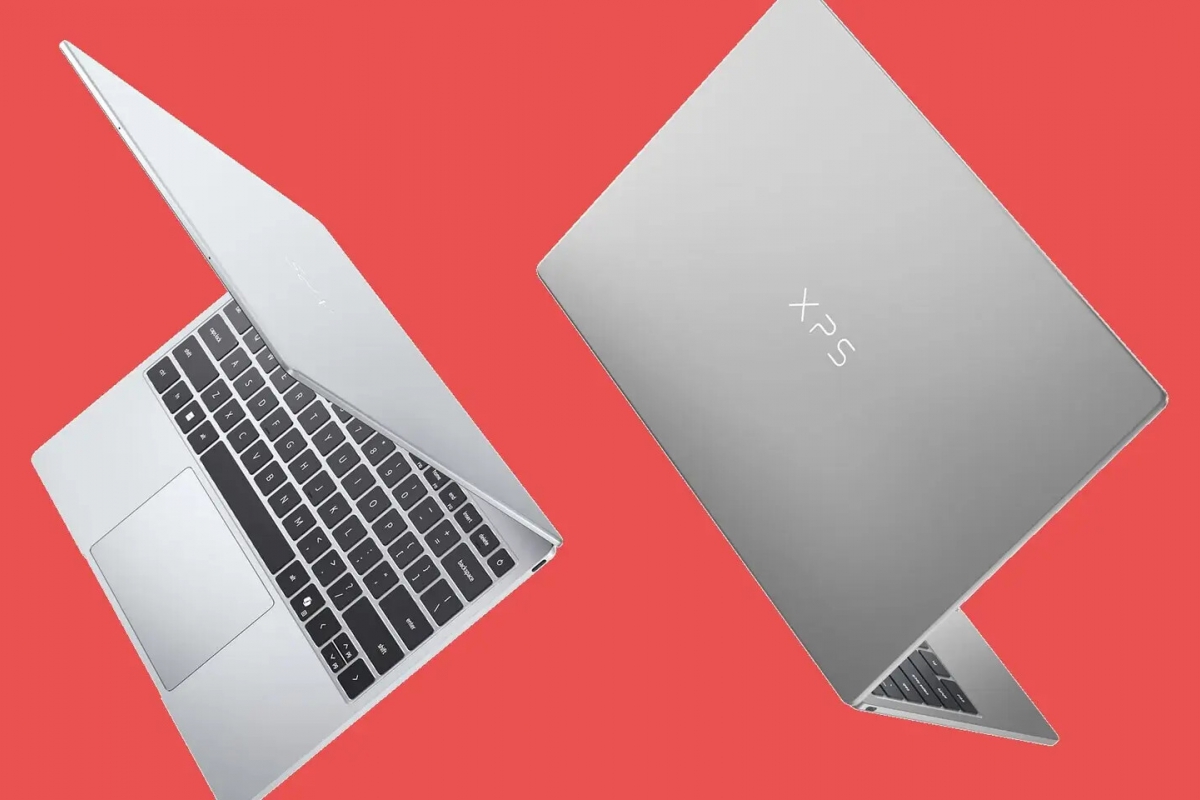
Dell launches a $600 XPS 13 to compete head-on with Apple’s MacBook Neo
At Computex 2026, Dell has presented a new XPS 13 with a very clear approach: attack the space that Apple opened with its most affordable laptop. The company places this model at $600 for students and $700 as a general price, with a 13-inch ultraportable format that points directly to the MacBook Neo.
The computer is built on an aluminum unibody chassis that Dell says is 20% lighter and also thinner than Apple’s proposal. To this it adds a 2.5K touch screen with 100% coverage of the DCI-P3 space and anti-reflective treatment, two elements with which it tries to differentiate itself from the most basic panel of Apple’s entry-level laptop.
All the specifications we know about the new Dell XPS 13
| Specs | Dell XPS 13 |
|---|---|
| Screen | 13″, touch, 2.5K, 100% DCI-P3 |
| Processor | Intel Core 5 320 |
| Graphics | Intel Xe3 |
| Memory | 8GB or 16GB LPDDR5X-7467 |
| Storage | 512GB NVMe Gen4 |
| Battery | 53Wh |
| Ports | 2 x USB 3.2 Gen 2 |
| Price | $600 students / $700 general |
More battery and more storage in the assault on Apple’s cheap laptop
The XPS 13 mounts a Intel Core 5 320 Wildcat Lake with a configuration of 2 P cores and 4 LPE, accompanied by Xe3 graphics, 8 or 16 GB of LPDDR5X-7467 and a 512 GB NVMe Gen4 unit. On paper, Dell also wins in battery with 53 Wh compared to the Neo’s 36.5 Wh, another important point in a format designed for mobility.
The comparison is not perfect, because both come from different philosophies, but Dell’s move makes it clear that the cheap apple laptop has already activated the Windows market response. In this case, Dell tries to do it with more screen, more battery and more storage as standard, maintaining the focus on students and users looking for a light device for daily use.
Edgar Otero
I am a computer systems technician, I started experimenting with a Pentium II, although my thing has always been software. Since I upgraded from Windows 95 to Windows 98 I have not stopped installing systems. I had my Linux era and I was one of those who asked for the free Canonical CD. I currently use macOS for work and have a Windows 11 laptop on which I have also installed Chrome OS Flex. In short, experiment, test and press buttons.
