
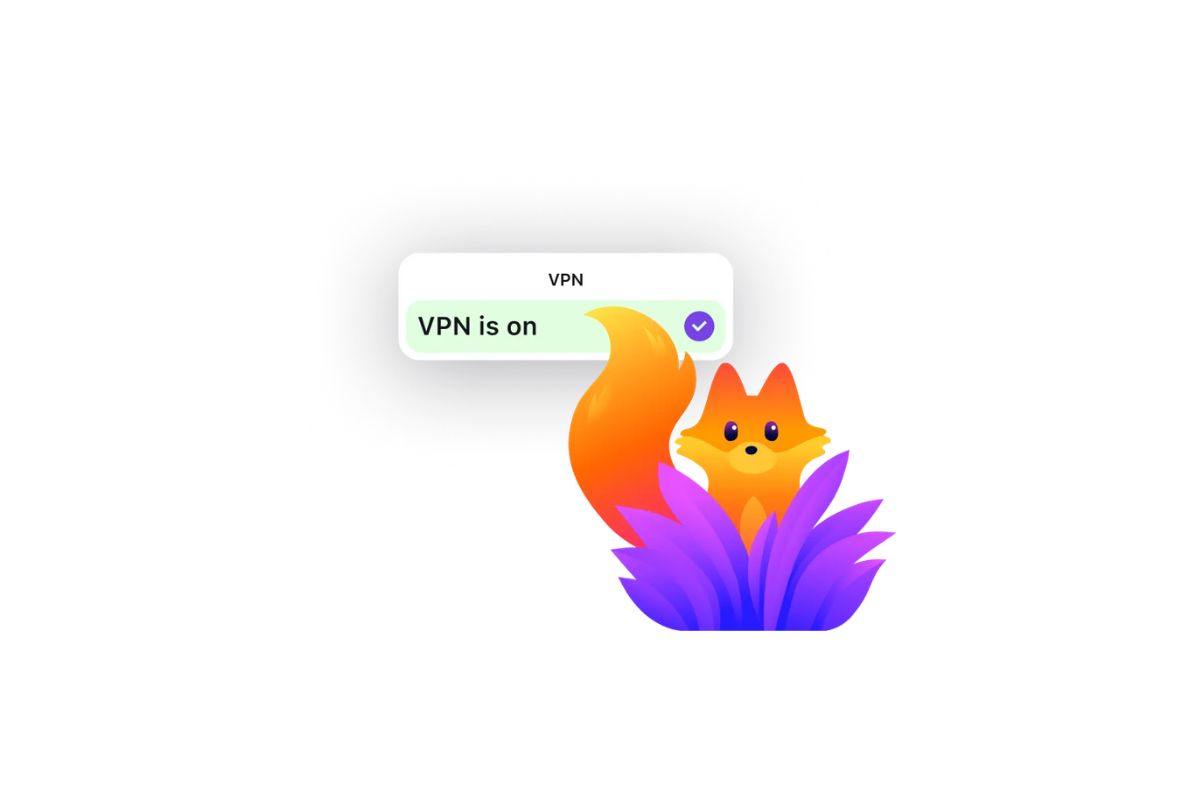
The free Firefox VPN is now available on Android: 50 GB of protected browsing without subscriptions on your mobile
We already knew that Mozilla had added a VPN to Firefox and, in fact, we told you about it a few months ago. The idea is that this browser, which has not stopped losing users in recent years, becomes much more attractive. These types of functions, such as VPN, especially if they are integrated into the browser, usually act as a lure when convincing new users. The problem is that, until now, Firefox VPNalthough effective and generous, was only available in the desktop version. Yes, until now.
As stated Broadbandthis service is free and without subscription just landed on Android. This is good news, especially for those who like to have the same browser on all their devices. If you choose Firefox, you will now be able to enjoy this parity of functions on both your computer and mobile. At the moment, the service is still listed as beta and, although you do not have to pay for it, it does require logging in with a Mozilla account.
Without the possibility of choosing a country, but with 50 GB
In addition to being integrated into the browser, another positive point of the VPN is that provides 50 GB of browsing. Taking into account that it is free and does not tie the user to a new subscription, we can undoubtedly say that this is a very generous limit. It is true that there are already other free VPNs that even offer unlimited traffic, such as Proton VPN, but they are not integrated directly into Firefox, but rather require a separate extension.
Beyond its strengths, we also have some things that Mozilla could improve. According to the sources consulted, this VPN works with a server in Spain. At the moment, there does not seem to be a way to choose a server, although some other users mention that, in their case, they do have that option. This could indicate that, in the future, Mozilla would allow all users to do the same.
If you are interested in using Mozilla VPN on your Android device, just download Firefox from the Google Play Store to get the latest version. The activation option appears, as shown in the image above, directly in the main menu of the browser.
