
GeForce NOW 2.0.83 improves VR streaming: up to 4K and 90 FPS on Apple Vision Pro
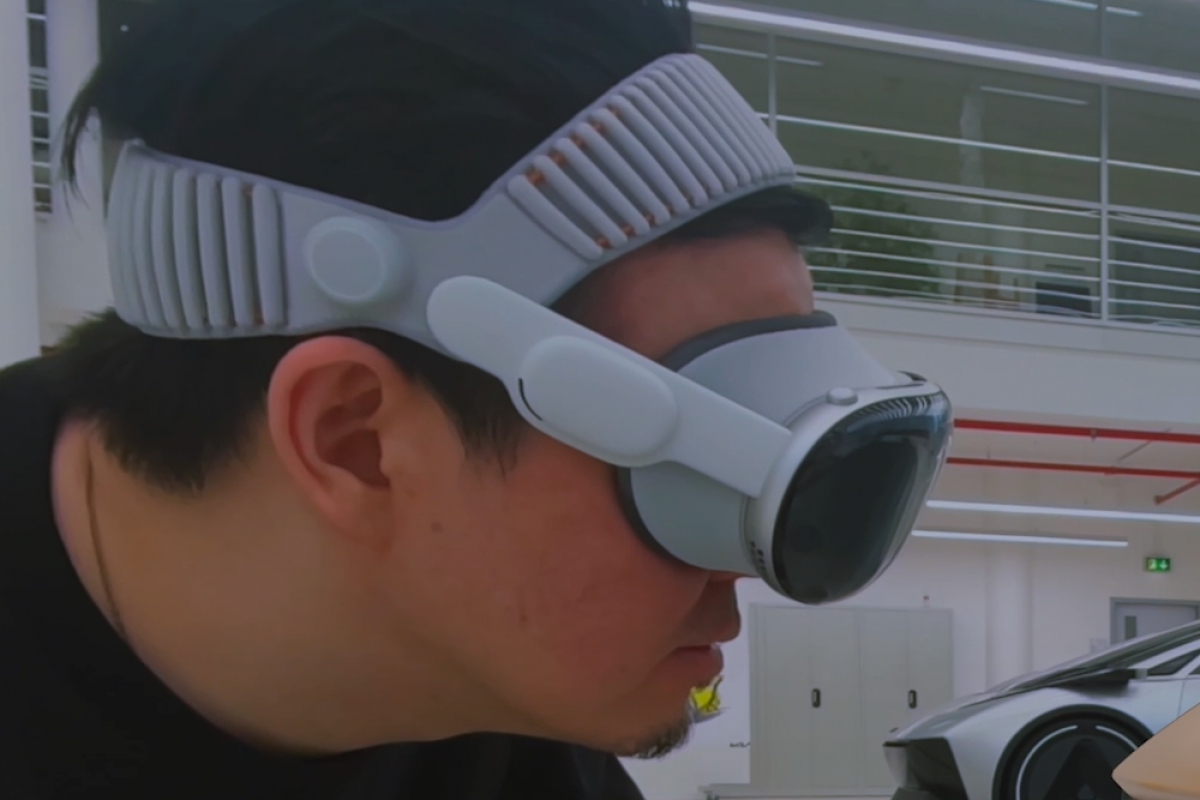
NVIDIA has updated its streaming game service GeForce Now to the version 2.0.83 with a clear implication in the VR headsets most popular on the market. Among all the new features, the possibility of receiving images via more resolution and with greater refresh rate in the Apple Vision Proone of the most expensive VR sets on the market. In them you can see with a resolution of up to 4K and 90 FPS per second.
GeForce NOW 2.0.83 improves streaming on Apple Vision Pro up to 4K and 90 FPS
The Apple Vision Pro now they can receive higher resolution images with a higher refresh rate, exclusive features for the brand, since other VR glasses such as those from Beak and Goal Quest they reach up 1440p at 90 FPS. Don’t forget that to enjoy this quality you must have the most expensive subscription NVIDIA GeForce Now Ultimate. As a requirement to reach the 90FPS should be used GeForce NOW version 2.0.83while for the 4K at 90 FPS You must have a stable connection of at least 55Mbps.
NVIDIA bets on H.265 to improve the quality of streaming in the browser
Another feature introduced is compatibility with Video decoding using H.265 (HEVC) for browser clients on select platforms. A change that will improve the transmission efficiency and will also offer better quality videos using a compatible system. But NVIDIA has reported that this feature is not available yet and will arrive in the coming weeks.
More network control, HOTAS support and Linux improvements
With this version, other changes have also been added, such as greater control over the network adaptationcompatibility with HOTAS (controllers for flight simulators), access that allows the in-game overlay and correction in screen scaling for the beta version of Linux.
We leave you with all the changes that have been communicated NVIDIA for this new version.
Streaming up to 90 FPS in virtual reality
- Ultimate users can now enjoy streaming at 90 FPS on compatible VR headsets
- Smoother, more immersive cloud gaming experience
- Available modes:
- Balanced: up to 1080p at 90 FPS
- custom– Up to 1440p at 90 FPS on devices Peak and Goal Quest
- Apple Vision Pro: up to 4K at 90 FPS
Better control over network quality
- New setting “Adapt to network conditions” improved
- Allows you to choose between:
- Optimal latency → prioritize response in competitive games
- Optimal quality → maintains better image quality on unstable networks
Customizable shortcut for the overlay
- Now you can change the button to open the overlay on the controller
- Useful if the default button conflicts with a game
- It can be configured from:
- Overlay → Settings → Shortcuts → Gamepad
Expanded Flight Peripheral Support (HOTAS)
- More supported devices for simulation games
- New supported models:
- Thrustmaster Pendular Rudder
- Thrustmaster Warthog HOTAS
- Logitech X56 HOTAS
Linux improvements (beta)
- Fixed a problem with interface scaling
- Streaming resolution now correctly fits the screen
- Improves sharpness and avoids blurring
More efficient streaming with H.265 in the browser
- Progressive support for H.265 (HEVC) decoding
- Available in supported browsers
- Improves image quality and reduces bandwidth consumption
User feedback
- NVIDIA encourages sending reviews from the app
- You can suggest improvements, comment on your experience or request games
Juan Antonio Soto
I am a Computer Engineer and my specialty is automation and robotics. My passion for hardware began at the age of 14 when I broke down my first computer: a 386 DX 40 with 4MB of RAM and 210MB of hard drive. I continue to give free rein to my passion in the technical articles I write for Geeknetic. I dedicate most of my free time to video games, contemporary and retro, on the more than 20 consoles I have, in addition to the PC.
