
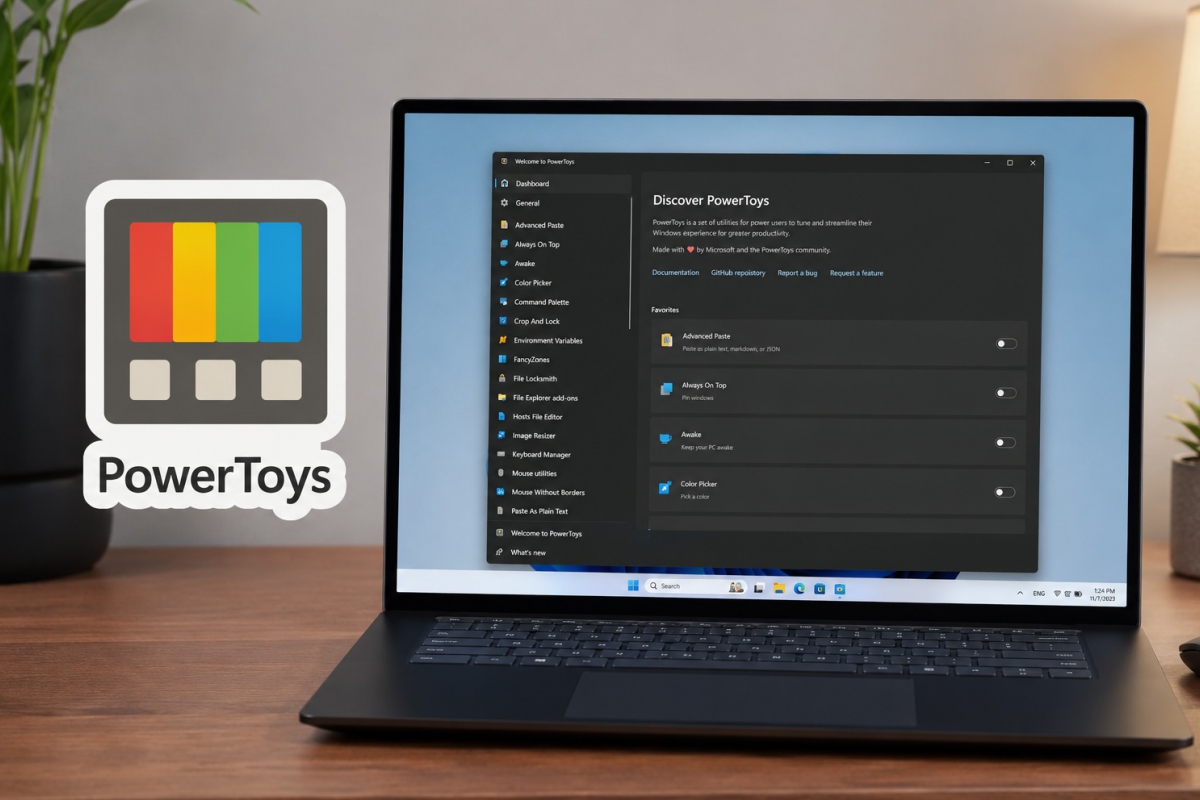
PowerToys prepares a low memory consumption mode to close inactive utilities and reduce their footprint in Windows 11
Microsoft PowerToys continues to grow as one of the most useful collections of utilities for advanced users of Windows 11. Now, the project is preparing a new feature, an optional mode that will allow you to close background processes when certain tools are not being used.
The novelty has not yet reached the public version, but it already appears in development within the PowerToys repository. The idea is simple. Some utilities maintain a constantly loaded auxiliary process to open instantly when the user presses a keyboard shortcut. That behavior improves the feeling of speed, but also causes PowerToys to reserve memory even when those tools are idle.
The case that has attracted the most attention during development is that of Color Picker. In a screenshot shared by those who follow the incident, its process could exceed the 200 MB RAM at idle. It does not mean that PowerToys is causing serious problems in all computers, but it does reveal an important trend. As the suite adds new features, its presence in the background becomes more prominent. This is a notable problem on devices that are short on RAM.
The proposed solution comes from the community and proposes a kind of “exit after use.” When the user activates this option, the supported utility will close its auxiliary process when it becomes idle. If you need it again, just press the usual shortcut to load it again. Saving RAM has a minimal counterpartbecause the first subsequent boot will be somewhat slower than with the preloaded process.
The change affects specific modules and fits with the growth of PowerToys
According to the development documentation, the new system will boot with support for Text Extractor, Color Picker, Advanced Paste and Peek. Microsoft and the project’s collaborators have also opted for a clearer name for the user. Instead of “Low memory mode,” the setting would appear as “Close apps when inactive,” a more direct description of what it actually does.
The option will be integrated into the general PowerToys settings with a specific section and also within the settings page of each compatible module. From there it will be possible to apply it to all supported utilities or activate it on a case-by-case basis. The approach seems quite sensible, because not all users prioritize the same. Some prefer immediate response and others will welcome any reduction in background consumption.
The change comes at an opportune time for a suite that has not stopped expanding. PowerToys already offers a wide variety of tools for productivity, window management, automation and everyday tasks, as we review in this guide to get more out of this tool. Additionally, Microsoft continues to explore new ideas for the package, including that macOS-style Smart Toolbar that aims to make it even more useful.
What is clear is that PowerToys is getting more powerfulbut also heavier. If Microsoft wants it to remain an essential tool for advanced users, it will have to take better care of how it consumes resources. The feature still awaits final validation before deployment, but its direction seems clear. In a Windows 11 where there are not exactly too many background processes, any well-planned RAM savings is appreciated.
