
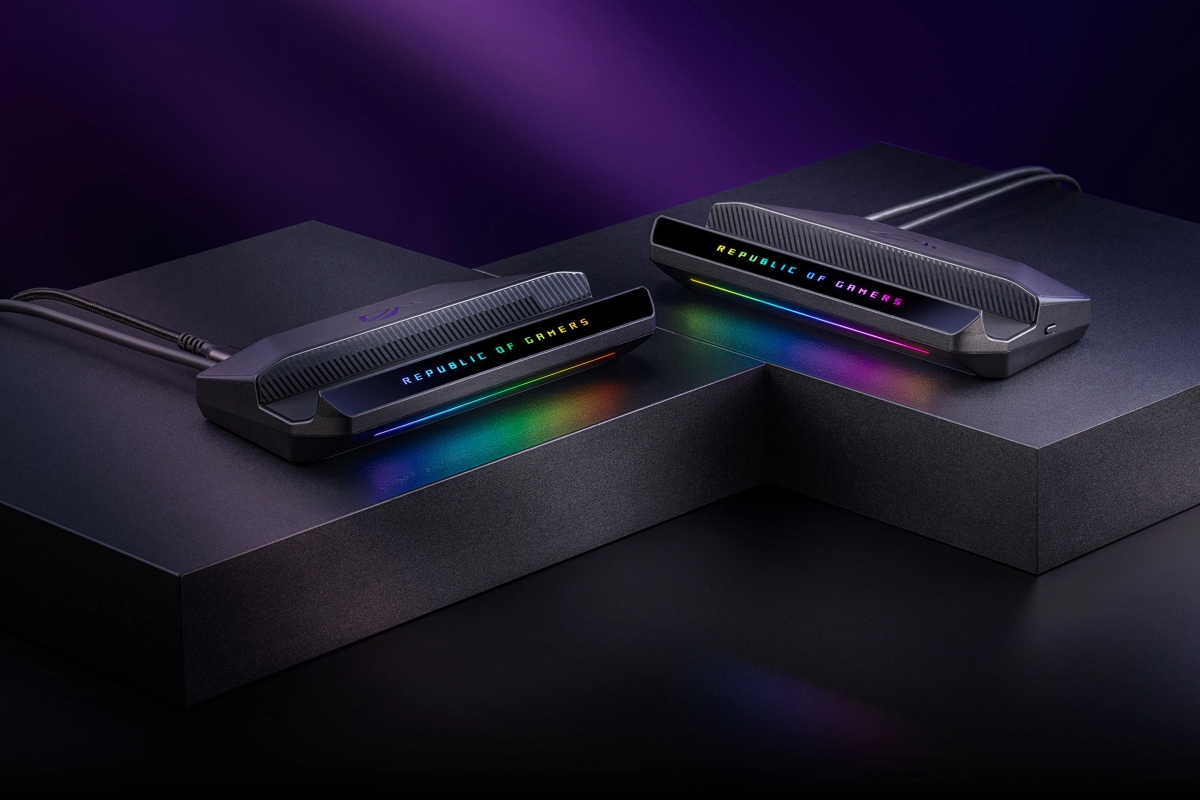
ASUS announces the ROG Bulwark Dock DG310 for portable consoles for 99.99 euros
After taking a look at Gamescom 2026, we can now confirm that ASUS has officially presented the ROG Bulwark Dock DG310. We are facing a connection base or dock Compatible with the ROG XBOX Ally family of portable consoles. The device reaches our market with an official price of 99.99 euros. The idea, as is usual in this type of product, is to transform the console into a complete gaming station for the desktop or for the living room TV using a single USB-C socket.
Its structure includes an ergonomic base with a design designed to keep the ventilation grilles clear and has a fixed cable. 60cm finished with a 90-degree elbow connector to facilitate a clean connection on the table.
So that you can see all the data at a glance, here is a summary in table form with its most notable characteristics:
| ROG Bulwark Dock DG310 | |
|---|---|
| video output | 1x HDMI 2.1 (up to 4K at 144 Hz or 8K at 30 Hz) |
| wired network | 1x RJ-45 Gigabit Ethernet |
| Data ports | 3x USB 3.2 Gen 1 Type-A (5 Gbps) |
| Feeding | USB-C PD input up to 100W (delivers 80W to console) |
| Connection to equipment | Fixed 60cm USB-C cable with 90° angled head |
| Dimensions and weight | 181.6 x 86.6 x 31.6mm / 262g |
| Official price | 99.99 euros |
A dock with support for 4K displays at 144 Hz, 80 W of power and generous connectivity
The video section is one of the central points of this accessory thanks to its port HDMI 2.1. This output allows the signal to be output at a maximum resolution of 3840 x 2160 pixels at 144 Hz. Also reach 7680 x 4320 pixels at 30 Hz on panels prepared for it.
In addition to supporting HDR images, it incorporates variable refresh rate to coordinate the game frames with the panel and reduce visual jumps. Likewise, the base integrates the low latency automatic mode function. This means that when connected to a compatible TV, theThe screen recognizes the console as such and automatically activates the TV’s gaming profile. This way the connection is much more comfortable and you don’t have to manually activate profiles every time you use the dock.
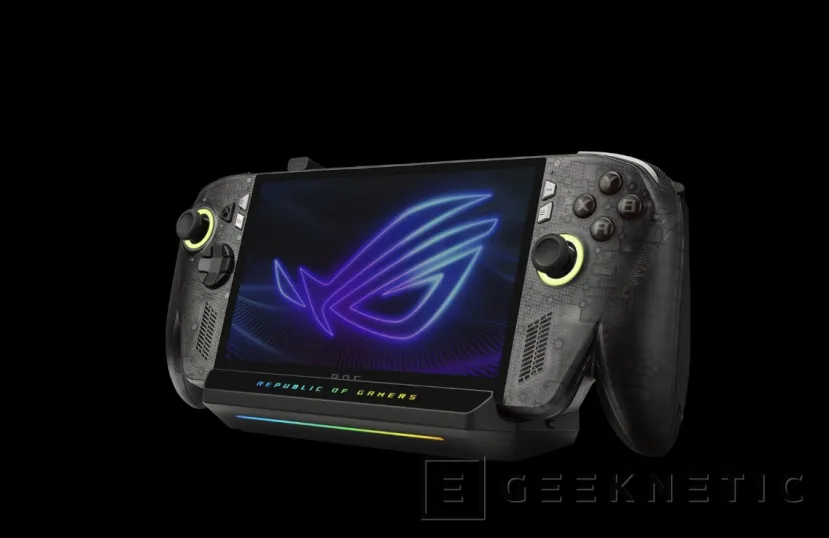
If we focus on the management of peripherals, the dock has, among other things, a physical button dedicated to the Bluetooth pairing straight. Thus, simply press this button to link wireless headphones or controllers to the console without having to navigate through the operating system configuration screens. Connectivity is completed with three conventional USB 3.2 Gen 1 ports, a wired network connector Gigabit Ethernet and four configurable RGB lighting modes.
Finally, the system supports power adapters with Power Delivery protocol of up to 100 W, channeling an effective supply of up to 80W to the console through its main USB-C port. In addition, the base offers compatibility with Windows 11 or higher, Android 14 and macOS systems from version 12.3.
