
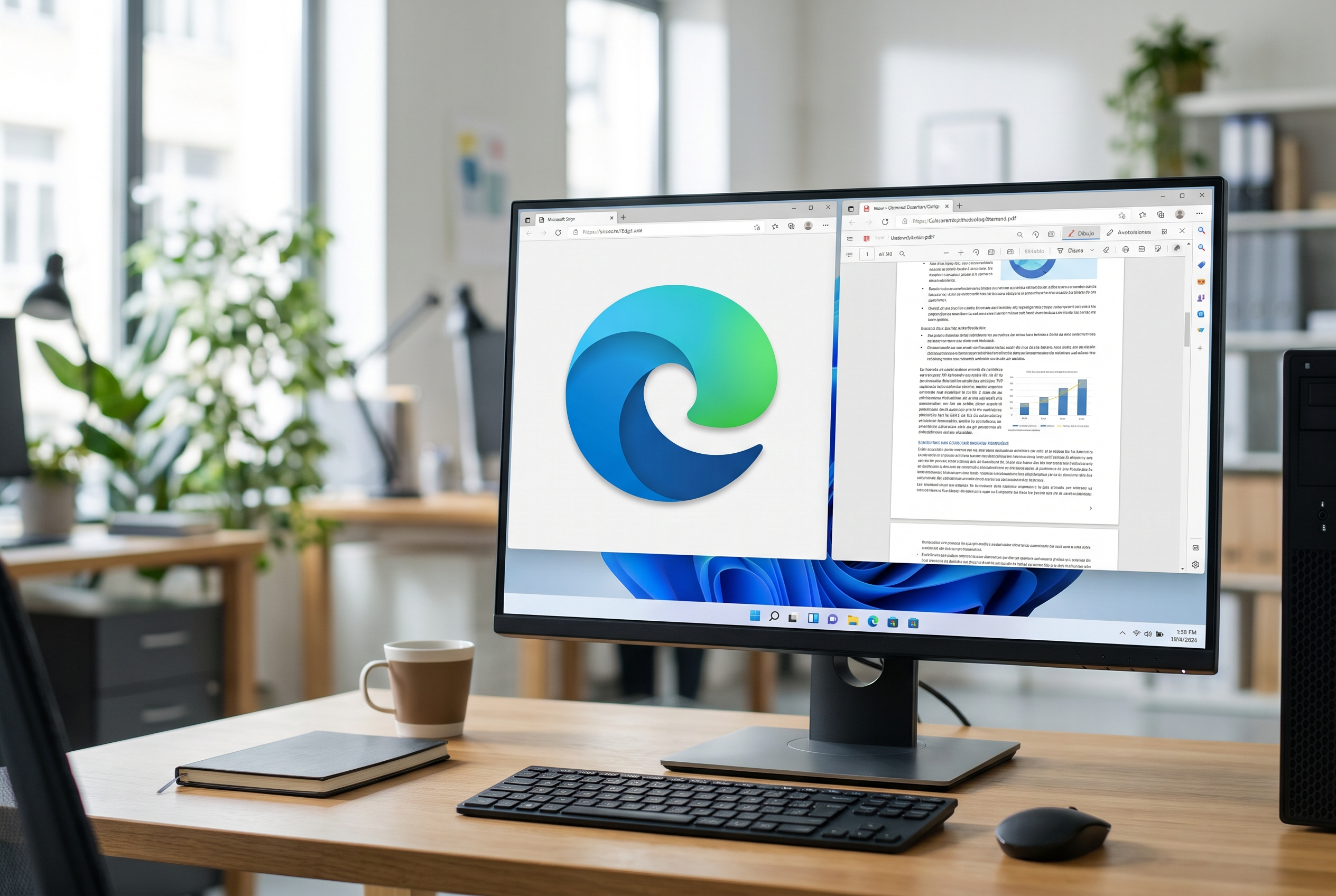
Microsoft Edge will be able to join, reorder and extract PDF pages starting in January 2027
We recently explained to you which are the best free editors for PDF files. In that list there was a browser, which was Firefox. The Mozilla browser is now capable of doing some useful actions with these types of files, such as joining two of them into one. Now, Microsoft has just made a move so that Edge can also do the same.
As we have learned, the company has included in its roadmap several new features for the Edge PDF reader, which will begin to arrive in January 2027 to both Windows and macOS. Among them are the option to combine documents, reorder pages and extract content. Until now, the browser couldn’t do any of this.
And, today, the Edge reader works almost like a viewer. It allows you to underline, add your own text, rotate the document or adjust the zoom, but not rearrange pages or edit the text already contained in the file. Soon, that editor will become a much more capable tool.
This is how PDF joining will work in Edge
It all starts when you open a PDF with the browser. From there, you can combine it with other files open in other Edge tabs or saved on your computer to get a single file. You can also select specific pages, change their order and extract content, even from scanned documents.
As confirmed by Microsoft to Windows Latestthe files are processed on the device itself and they are not sent to the Adobe cloud or any other. Furthermore, the originals are not modified, because the browser generates a new file with the changes.
The update also brings two other new features. The first is a notes panel that brings together the document’s hand annotations, comments, and highlights in one place. From that panel you can search and filter them, jump to each one within the PDF and edit them, delete them or add new comments. The second is the possibility of translate all pages from a PDF directly in Edge.
Remember that Edge had its own PDF engine until, at the beginning of 2023, Microsoft decided to replace it with Adobe Acrobat. Since then, the company has focused primarily on porting old features to the new engine. With Edge 156, the option that allowed you to return to the original reader has also been removed, so the Adobe engine is now the only one left in the browser.
