
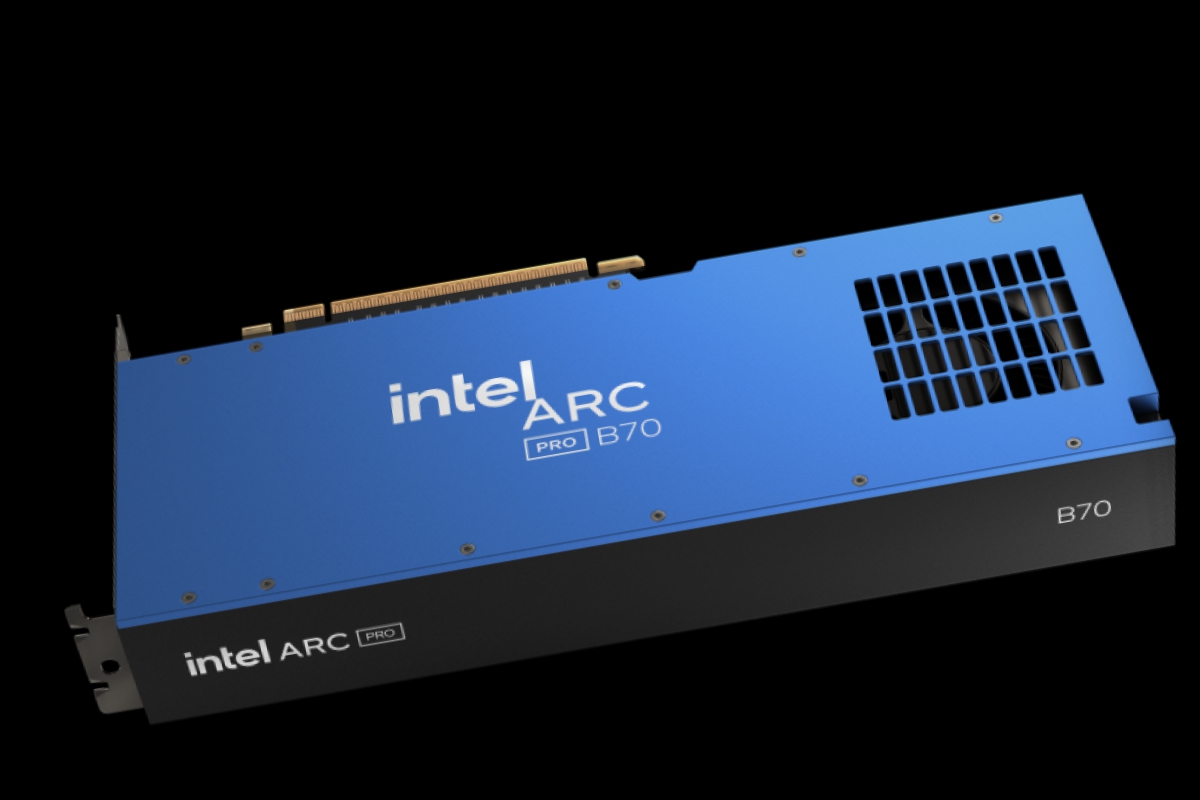
The Intel Arc Pro B70 and B65 can now be used for gaming thanks to new drivers 32.0.101.8629 WHQL
Intel has recently launched its new professional range graphics cards Intel Arc Pro B70 and Pro B65which make use of the GPU Battlemage most powerful of the generation. But in addition to their own drivers for professionals, these cards seem to also have a use beyond these tasks, games. Intel has surprised by launching some drivers Intel Arc 32.0.101.8629 WHQL whose main feature is compatibility with games in these models Intel Arc Pro B70 and Intel Arc Pro B65.
Intel Arc Drivers 32.0.101.8629 WHQL: support for games on the Arc Pro
This is the only feature that this new version adds WHQL of Intel driversmake these recently released Pro models compatible with games. A feature that will allow for more versatile use for those who have their own computer at home that they use for professional work, but who from time to time feel like playing a game of their favorite video game. Thus, the Intel Arc Pro B70 or B65 (when available) can go through professional solutions that also offer home entertainment.
No bug fixes, just game support
What is also surprising with this version is that this is the only feature of the drivers, since no corrections have been added to known problems present in previous versions of the drivers. Only Intel has added a complete list of known issueswhich we list below.
Intel Core Ultra Series 3 with integrated Intel Arc Graphics
- The Finals (DX12) may close unexpectedly at times.
- No Man’s Sky (Vulkan) may show visual errors on certain terrains during the game.
- Star Citizen (Vulkan) may fail to start.
- Mafia: The Old Country (DX12) may experience crashes during play.
- Adobe Premiere Pro may crash when exporting HEVC videos on Windows 26200.7840 or later.
Intel Arc B Series Graphics
- Call of Duty: Black Ops 6 (DX12) It may present graphical errors on water surfaces during the game.
- Dune: Awakening (DX12) may show flickering or visual artifacts.
- Star Citizen (Vulkan) may fail to boot.
- PugetBench for DaVinci Resolve Studio can be closed during the test.
- It is recommended to increase the timeout to 1500 seconds or more in the benchmark settings.
Intel Arc A Series Graphics
- PugetBench for DaVinci Resolve Studio It can be closed occasionally during testing.
- It is recommended to extend the timeout to 1500 seconds or more to complete each test.
Intel Core Ultra Series 1 with integrated Intel Arc Graphics
- Battlefield 6 (DX12) may show graphical errors on some maps.
Intel Core Ultra Series 2 with integrated Intel Arc Graphics
- Call of Duty: Black Ops 6 (DX12) You may experience visual errors in the water during the game.
- Battlefield 6 (DX12) may show graphical errors on some maps, especially on certain laptops.
- No Man’s Sky (Vulkan) It may present visual defects in certain terrains.
You can consult all of these and more errors present with Intel software in the notes for this version.
Update now from Intel’s own software or download the complete package from its website, but only if you have one of these Intel Arc Pro B70 or B65, since in addition to this there is no other news.
Juan Antonio Soto
I am a Computer Engineer and my specialty is automation and robotics. My passion for hardware began at the age of 14 when I broke down my first computer: a 386 DX 40 with 4MB of RAM and 210MB of hard drive. I continue to give free rein to my passion in the technical articles I write for Geeknetic. I dedicate most of my free time to video games, contemporary and retro, on the more than 20 consoles I have, in addition to the PC.
