
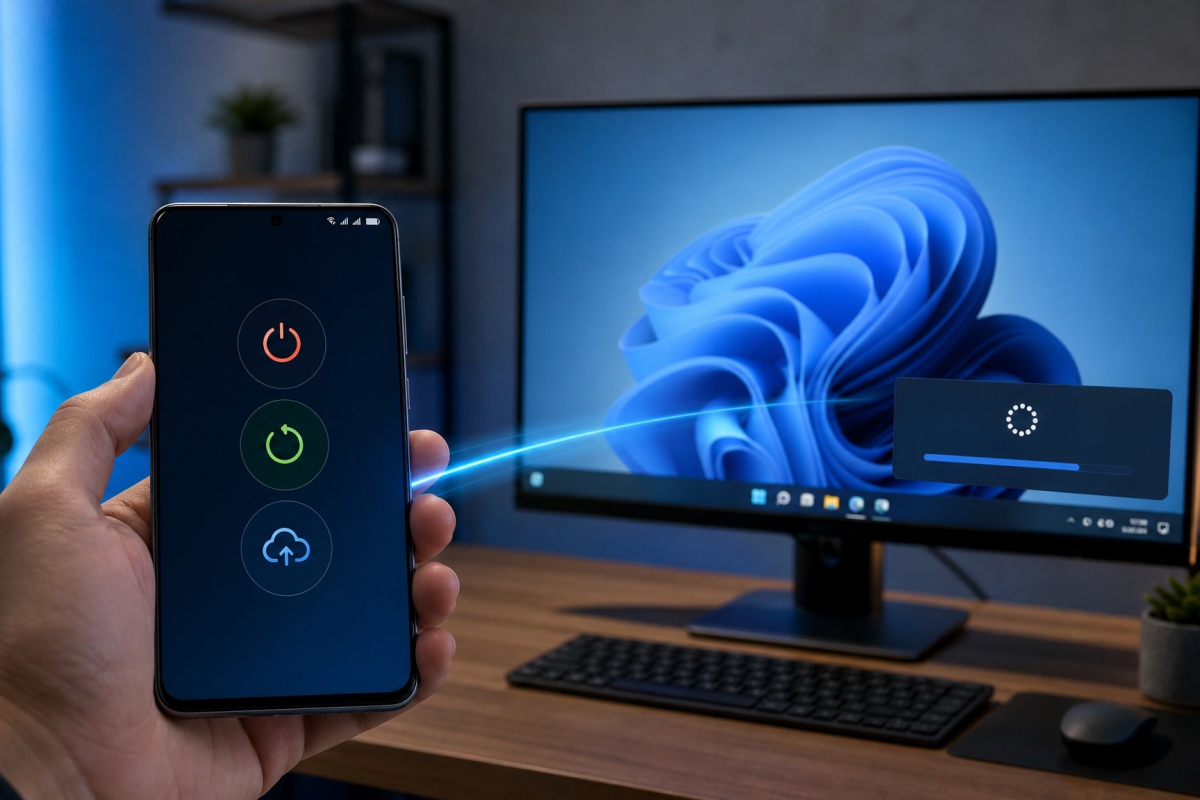
Windows 11 prepares controls to turn off, restart and update the PC from an Android mobile
Microsoft is working on an expansion of the controls that Link to Windows offers on paired PC from an Android mobile. The references appear in a recent build of the app and describe a broader remote management layer within Windows 11 connected experiences.
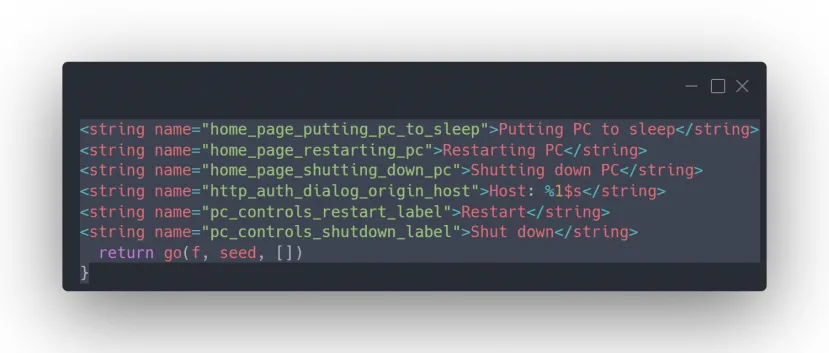
The finding comes from the analysis of the APK. These are unused text assets, not an official announcement, so they reveal work in progress without guaranteeing that the feature will be released with the same design.
Code includes shutdown, restart, sleep and Windows Update
The references are grouped in a component called RemoteControlManager. Inside it, the indicator was found isRemotePcControlsV2Enabled with the value false, next to experimentEnabled also disabled. The configuration confirms that no user or tester has access to these buttons in the examined build.
Internal names describe separate controls for Restart and Shut down. Two other resources, pc_controls_update_and_restart_label and pc_controls_update_and_shutdown_labelthey add the Update and restart and Update and shutdown variants. Microsoft would thus be taking into account the state of Windows Update when designing the remote control, instead of limiting it to sending a generic power command.
There is also an option to put the computer to sleep. The associated string explains that the PC will disconnect from the phone once it is asleep and that physical access to the computer will be required to wake it up. This warning delimits an important practical difference compared to the reboot, which wakes up the system, and compared to the remote blocking already available.
The code provides warnings before losing work without saving
Analysis shows specific confirmation boxes for each action. On a normal reboot or shutdown, the app would warn that there may be unsaved data and ask the user to confirm that they have protected important information before sending the command from the phone.
Variants linked to an update use a more detailed message. The application explains that Windows needs to restart to finish the process, that the open work without saving will be lost and that, being far from the PC, the user will not be able to save it from the mobile. Only then does it consider continuing with the reboot or shutdown.
These strings indicate that Microsoft has considered the main visible risk of a remote order of this type. However, the discovered material does not detail authentication, maximum distance, required network status, permissions, or supported Windows editions. It also does not allow you to check how the buttons will appear, because the function remains off and there are still no screenshots of its interface.
Link to Windows now allows you to lock the PC from Android
The basis of this expansion came to Windows Insider in July 2025. Microsoft then introduced a revamped Link to Windows experience that turned the Android app into an access point to the paired PC. From the phone you could check the battery and the status of the WiFi connection, send files, mirror the mobile screen on the computer and lock PC remotely when it was connected.
That initial deployment required an Insider version of Windows, Mobile Link 1.25062.83.0 or later on the PC and Windows Link 1.25071.155 or higher on Android. Also required pairing both devicesuse the same Microsoft account and enable access to the phone from the mobile devices section of Windows 11.
The new resources fit into that remote actions section, although the analyzed code does not confirm whether Microsoft will retain exactly the same requirements. The appearance of a RemoteControlManager component and full dialogs suggests more advanced development than a simple experimental tag, but its disabled state forces you to separate what the application contains from what can already be used.
Feature may change before reaching users
Microsoft typically tests Windows experiences gradually, and some features may be modified, retired, or not leave testing channels. In this case, a deployment for Insiders has not even started. The company has also not published documentation or a list of supported devices.
The available evidence is limited to the Android version of Link to Windows. There are no equivalent references for iPhone in the material provided, so possible compatibility with iOS remains unconfirmed. You also can’t say that the phone will turn on a powered-down PC: the localized commands cover shutdown, reboot, refresh, and sleep, but don’t include a boot control.
If Microsoft activates the development as it appears in the APK, the mobile will offer more complete power management for the paired computer and will warn before executing actions that could destroy unsaved work.
