
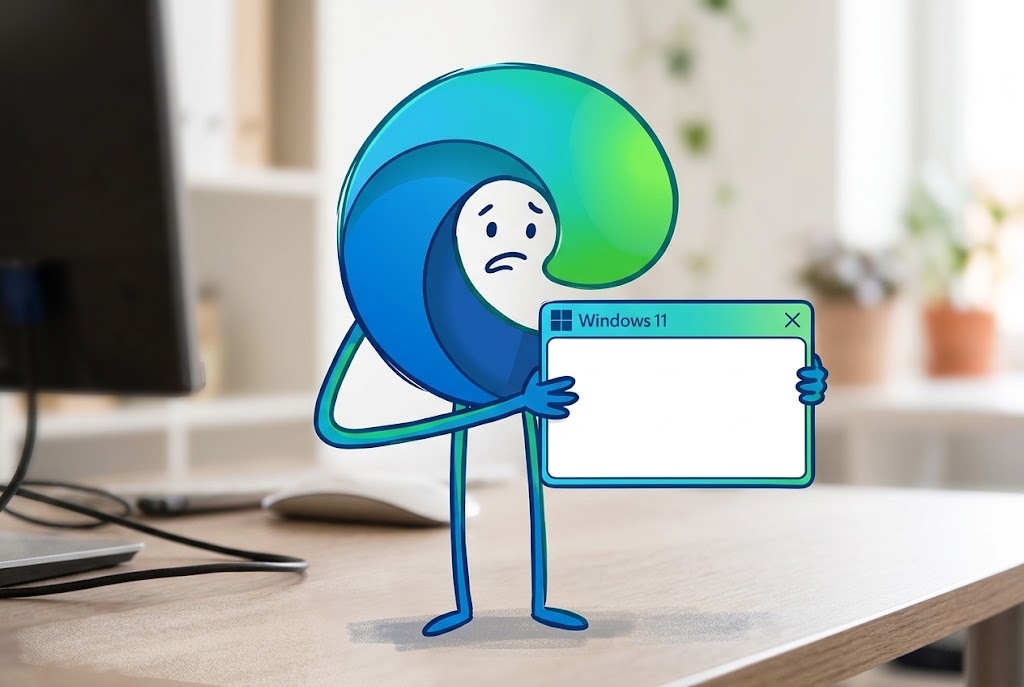
Do your web apps freeze with Microsoft Edge? It’s a bug in version 153 with a complicated fix
Microsoft has reported that Microsoft Edge version 153 is causing crashes in running web applications and any encapsulated platforms. Apparently, on some computers the windows freeze suddenly and stop working completely. What exactly happens is that they do not respond to either the keyboard or the mouse.
This is how the company explained it on the known errors website:
“In Microsoft Edge version 153, some web applications may become unresponsive during user interaction. When this occurs, the affected browser window may freeze and stop responding to mouse or keyboard commands.”
After confirming the incident, Microsoft provides a fairly simple solution: uninstall the build to return to Edge 152 while preparing a permanent fix. It is not lost on anyone that there are a huge number of users who use web services to work on a daily basis. Additionally, keep in mind that Edge is the default browser for many organizations.
Now, when it comes to using built-in tools like progressive web apps or management panels in separate tabs, the outage blocks interaction with the software without warning. This disruption to workflow has a negative impact on user productivity. It is somewhat similar to the failure of the copy and paste function in Excel.
In this situation, the temporary jump to alternative browsers such as Chrome or Firefox is presented as the fastest shortcut to avoid the failure.
When changing browsers is not an option, go back
Now, if changing browsers is not an option, the solution is the one recommended by Microsoft, that is, downgrade browser version to 152. Unlike other minor bugs resolved with simple adjustments to the browser settings, undoing this update requires a somewhat complex intervention in the operating system.
Administrators must open the Local Group Policy Editor to disable automatic browser updates before applying any patches. This structural modification to the computer’s policies is essential to prevent maintenance services from automatically reinstalling Edge 153.
Once the reception of automatic packages is blocked, the procedure requires downloading the enterprise installer in MSI format corresponding to version 152. The downgrade is done through the command console, which must be opened with administrator privileges.
Finally, they must execute the following instruction:
- C:UsersusernameDesktoptest>msiexec /I FileName.msi /qn ALLOWDOWNGRADE=1
This command forces the replacement of the browser binaries, overwriting the affected files to regain control of the applications. The fact that administrator permissions are required is a handicap, especially in companies, because it will not allow any user to do it on their own.
