
The new MSI Center M 3.0 comes to the Claw 8 EX AI+ with FPS limiter and new energy profiles
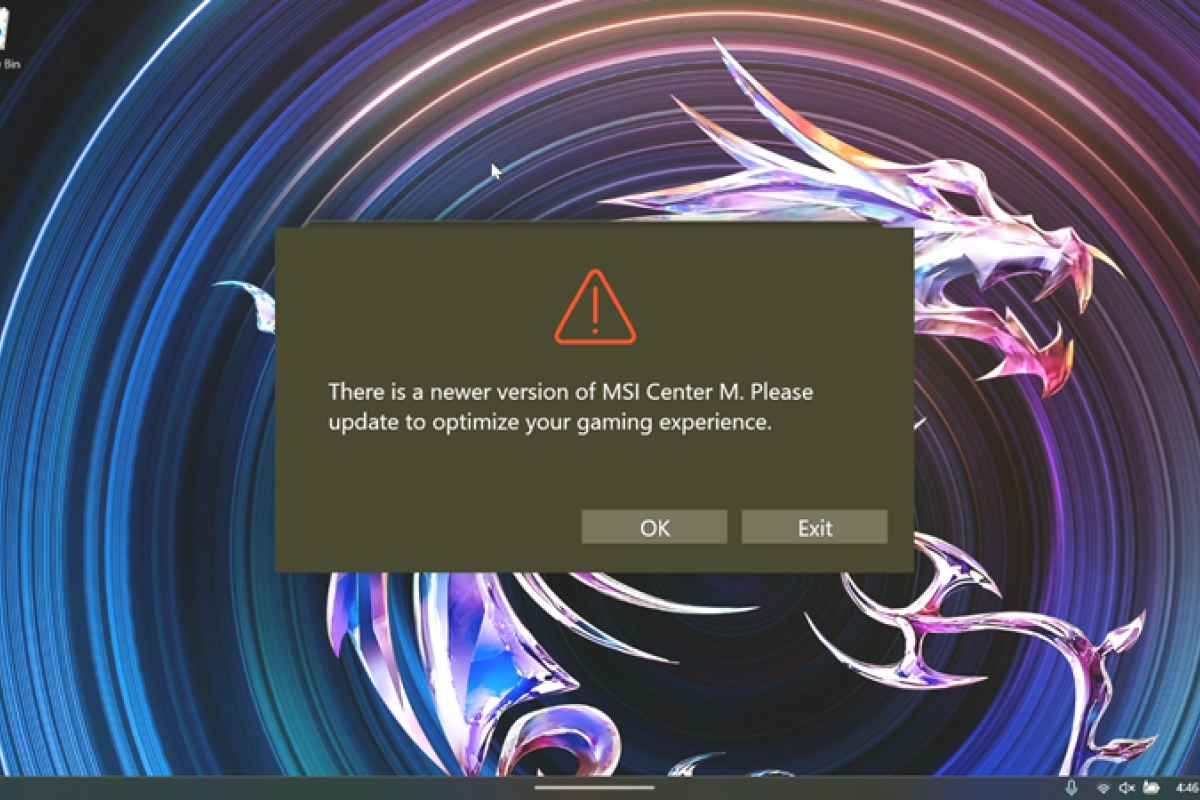
MSI The new consoles with the latest processors are now available. Intel, the Arc G3 Series. To improve the functions of this recent and expensive MSI console, the manufacturer has begun to distribute a new update of the MSI Center M 3.0which you can obtain through the application itself for the Claw 8 EX AI+. The new version includes interesting features for your new Claw, such as FPS limiter for games in a simple way.
MSI Center M 3.0 adds an FPS limiter for the Claw 8 EX AI+ and other new features
The main and most notable feature included in this new version is the call Intel FPS Limiteravailable directly through quick settings. Allows you to establish a frame limit for games directly without having to resort to a custom configuration menu for that title in question.
In manual mode now also manual mode includes the efficiency, balanced or performance energy profilesand the efficiency profile has been added to the Endurance mode and the balanced one to the AI Engine. To qualify for these energy modes it is necessary to have the update of BIOS E1T91IMS.10A or later. You can also create keyboard assignments leaving the corresponding button pressed.
The update also fixes several issues
Other changes correspond to general troubleshooting and improvementsas a bug that fixes incorrect values of PL1 and PL2 in manual mode or some quick settings options that were left out after changing the resolution. They have also fixed a problem with the microSD cardwhere after installing new games they did not appear in the library automatically.
At the moment, the new version is only available for the model with the Intel Arc G3 Extremewhile other previous versions of the MSI Claw will have to wait to receive the new advantages of this newly released MSI Center M version 3.0.
These are the full release notes:
Updates and improvements
Available now for Claw 8 EX AI+:
- Fixed an issue where games installed on an SD card would not automatically appear in the library.
- Fixed an issue where incorrect default power limits were displayed for PL1: 17W and PL2: 37W in Manual Mode.
- Fixed an issue where game icons were displayed incorrectly in the library.
- Fixed an issue where the system repeatedly requested to update MSI Center M.
- Fixed an issue where MSI Quick Settings did not correctly display the 12 elements after changing the screen resolution.
- Fixed an issue where some MSI Quick Settings options could not be adjusted from MSI Center M.
- Fixed an issue where the button mode did not change correctly when Gamepad mode when entering Xbox Mode.
- Fixed an issue where the joystick could not be used to navigate the interface after entering MSI Quick Settings.
- Fixed an issue where the Power plan displayed or applied in each mode was incorrect.
Included in the next update for Claw 8 AI+, Claw 7 AI+ and Claw A8 BZ2EM:
- Fixed an issue where the limit of 30FPS did not automatically activate in Endurance Mode on Claw 8 AI+ and Claw 7 AI+.
- Fixed an issue where some AMD features could not be used in MSI Quick Settings after updating the VGA driver on Claw A8.
- These fixes will be available when MSI Center M 3.0 get to these models.
Feature Settings and Specifications
- MSI Center M 3.0 It will also be compatible with Claw 8 AI+, Claw 7 AI+ and Claw A8 BZ2EM. Availability for these models will be announced on their respective support pages.
- Added a Intel FPS limiter for Claw 8 EX AI+, which will allow you to better manage the frame rate in games.
- Added support for 10 additional languages for texts related to the GDPR.
- Added the behavior of keep pressed (Hold) to the key mapping function for keyboard keys.
- Added the possibility of selecting a Power plan in Manual Mode.
Power plan settings
The power plans for each mode have been adjusted as follows:
- Endurance Mode: Efficiency.
- AI Engine: Balanced.
- Manual Mode: Efficiency / Balanced / Performance.
- Performance is set as the default option.
To have Full control of fans in Manual ModeClaw 8 EX AI+ users will need to update the BIOS to the version E1T91IMS.10A or later.
Known issues
Grades
- It is recommended that you upgrade in an environment with a stable network connection.
- You should not close MSI Center M or interrupt the process during the installation.
- Once the update is complete, it is recommended reboot system to ensure that new features, performance tweaks, and fixes are applied correctly.
- Claw 8 EX AI+ users who want to have Full control of fans in Manual Mode you must ensure that the BIOS is updated to the version E1T91IMS.10A or later.
- You should not attempt to install a package intended for another model.
