
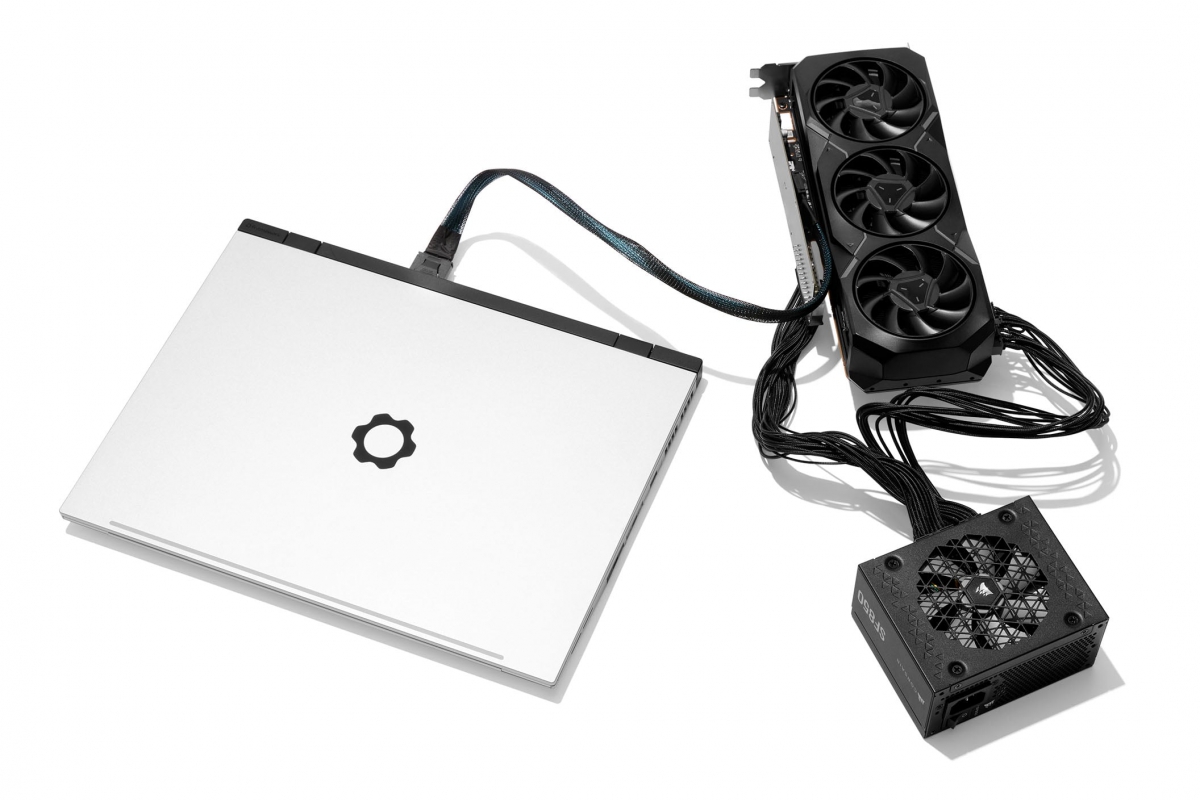
The Framework Laptop 16 can now use external GPUs with a PCIe x8 connection
The manufacturer Framework continues to expand the possibilities of its modular laptops with new solutions designed for advanced users. Following the recent announcement of new modular laptop models, the company has also presented the OCuLink Dev Kit Frameworka system that allows the connectivity and expansion of the Framework Laptop 16 to a new level, offering desktop class performance via direct PCIe connection.
OCuLink Dev Kit Framework: External PCIe Expansion with Desktop Performance
This new kit is based on the interface OCuLink 8icapable of offering a connection PCIe x8 up to 128 GT/swhich represents a notable improvement over traditional external solutions such as Thunderbolt or USB4which have greater bandwidth limitations. Thanks to this direct connection, the laptop can access external hardware with Lower latency and higher sustained performancesomething especially useful in demanding tasks.
Framework’s goal with this Dev Kit is to offer a flexible solution that allows users to transform their laptop into a more powerful device when they are at home, while maintaining a lightweight form factor for mobility. To do this, the system allows remove the dedicated GPU from the laptop and use it externallywhile in mobility you can take advantage of the integrated graphics.
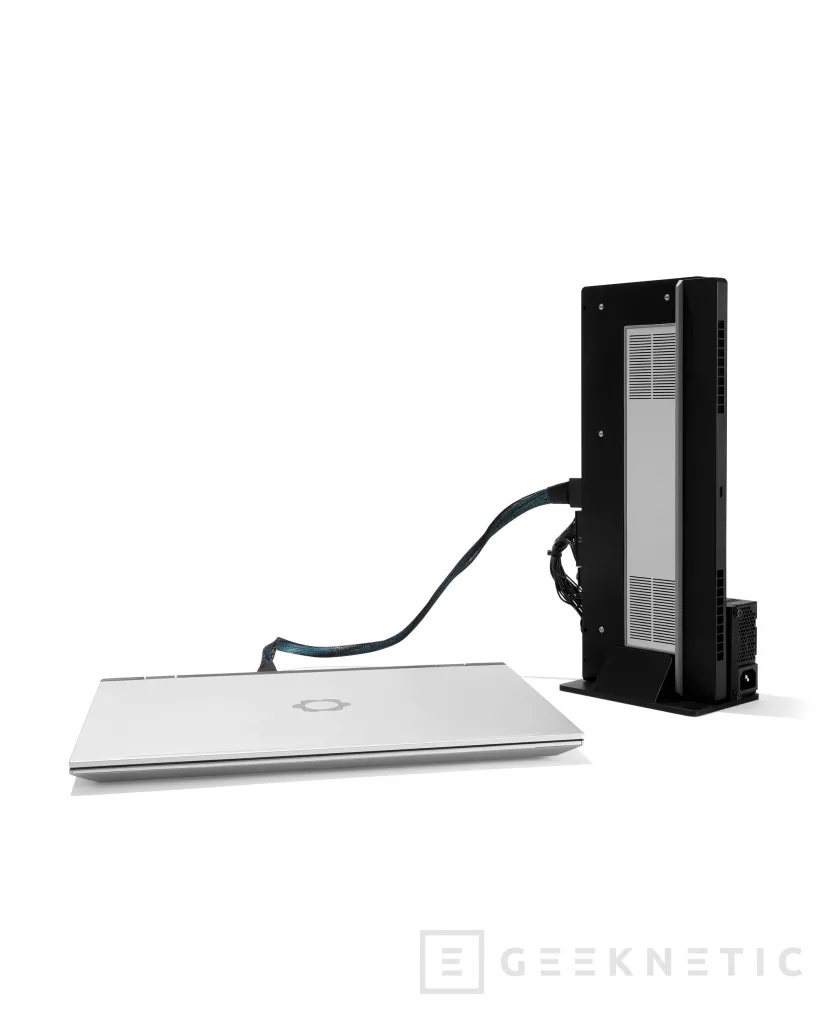
Support for graphics cards, storage and more PCIe devices
Beyond graphics cards, this system also allows you to connect other PCIe devices such as storage units, network cards either video capturersgreatly expanding the team’s possibilities. This makes the Framework Laptop 16 a hybrid platform capable of adapting to both professional environments and more demanding uses with a format close to that of a desktop.
A modular system composed of several elements
The OCuLink Dev Kit Framework is made up of different modules that can be combined according to the user’s needs:
- OCuLink Expansion Bay Adapterwhich adds the OCuLink port to the laptop
- Graphics Module OCuLink Dockto use the Framework graphical module externally
- PCIe OCuLink Dockwith full PCIe slot for graphics cards and other devices
- OCuLink 8i Cableresponsible for connecting the laptop with the external base
This modular approach allows the system to be configured in different ways, adapting to each use scenario.
Some limitations compared to other external solutions
Despite its advantages, this system also has some important drawbacks. For example, using external graphics cards requires a desktop power supplysince it is not included in the kit. Furthermore, the connection OCuLink does not allow charging the laptopunlike Thunderbolt or USB4, so it will be necessary to use at least two cables during its operation.
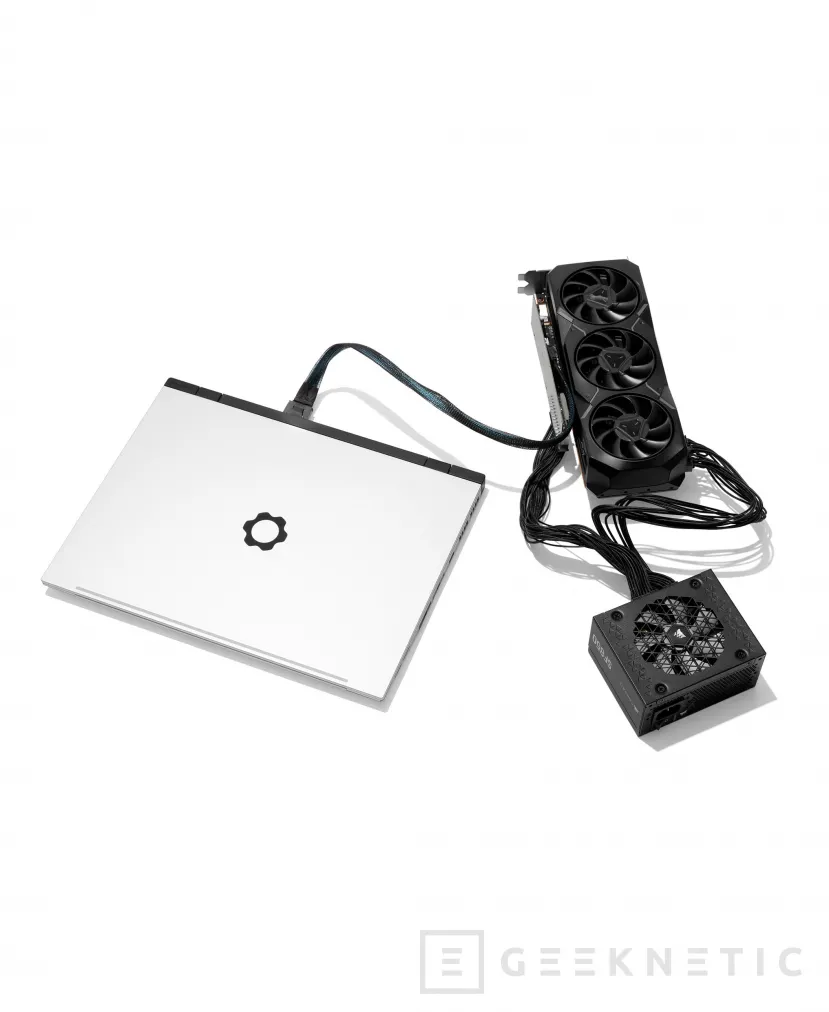
Framework is committed to total modularity in laptops
With this launch, Framework reinforces its commitment to offering highly configurable devices, where the user can choose between portability or power without giving up either. The OCuLink Dev Kit represents another step towards the concept of a modular laptop that can behave like a desktop computer when the situation requires it.
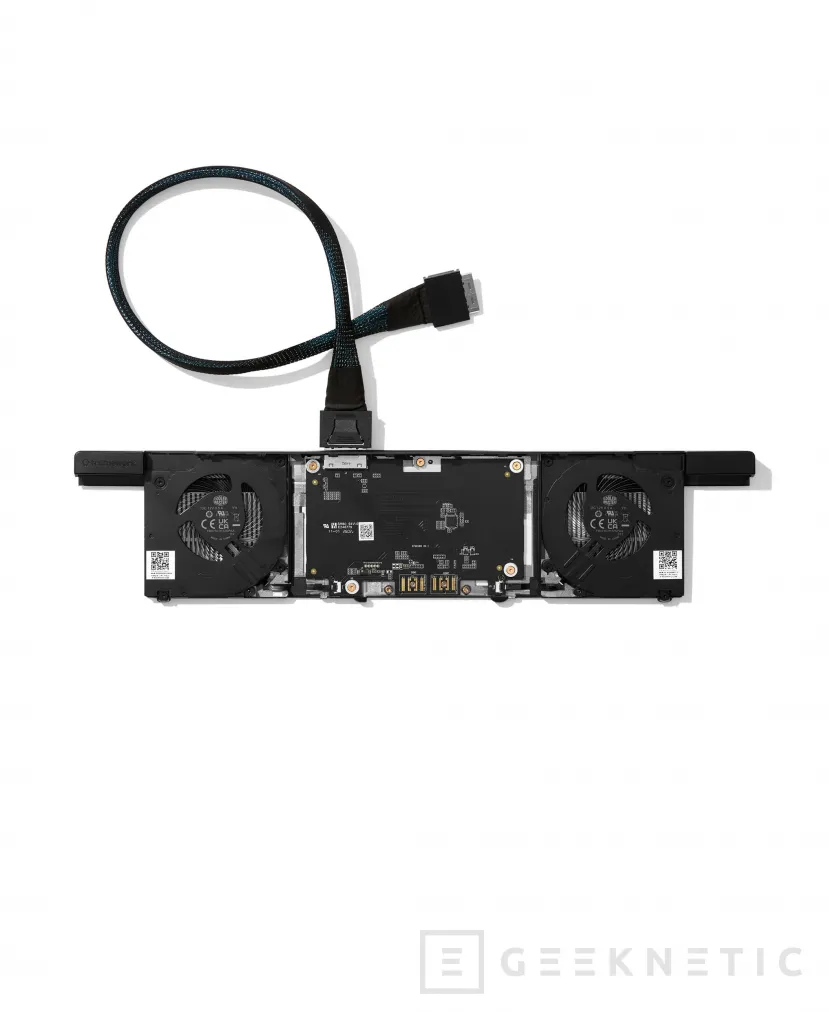
At the moment this new module is not available and its price is not known.
Compatibility
- Framework Laptop 16
- AMD Ryzen AI 300 Series Processors
- AMD Ryzen 7040 Series Processors
