
Microsoft begins to hide Copilot in Windows 11, but does not give up AI in its applications
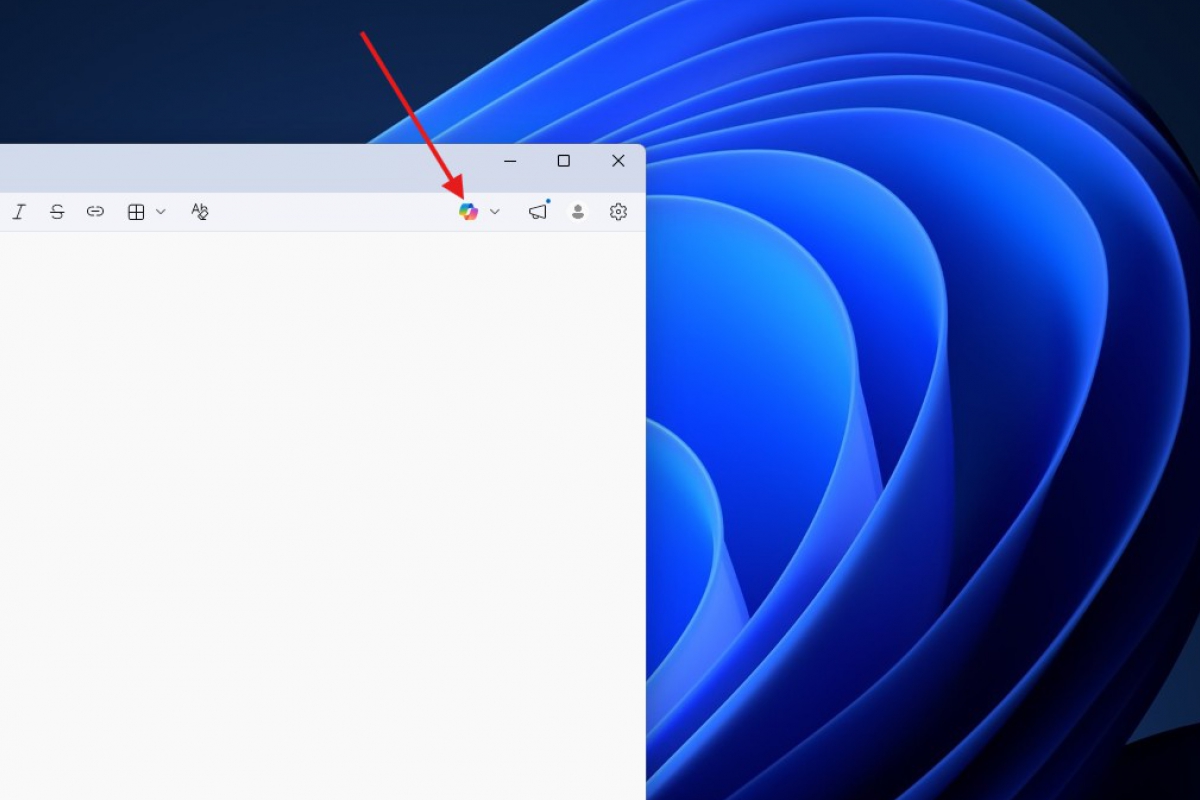
Microsoft has begun to remove some of the Copilot buttons that it had been distributing across several Windows 11 applications, a decision that already affects tools like Notepad, Clippings, Photos or widgets and that points to a course correction rather than a real withdrawal of artificial intelligence. The most visible change is in Notepad, where the shortcut to Copilot disappears in favor of a menu of writing tools.
It’s easy to conclude that this is nothing more than an interface tweak. However, the issue goes much deeper. Over the past few months, Microsoft has pushed the presence of Copilot in Windows with an intensity that has ended up generating rejection among part of the community, especially in applications that have historically been valued for their simplicity. In that context, eliminating unnecessary access seems like a way to recognize that the strategy had overloaded corners with branding where it did not contribute much.
The case of Notepad is especially significant because it summarizes this evolution well. The application stopped being a minimal editor a long time ago: first came functions such as the spell checker and integration with Copilot, then support for formatted text thanks to Markdown, later signs appeared that it is also preparing to work with tables and, in addition, it has already been announced that the program will add support for images. All of this creates a Notepad that is increasingly less essential and much more loaded.
Less Copilot in sight, but the functions remain
The important detail is that Microsoft is not removing AI from these applications, but rather softening its exposure. In Notepad, for example, Copilot button disappearsbut the same options are still present within the new menu. That is, the company seems to assume that the problem was not only in the function, but also in the visual insistence with which it had wanted to remind the user that Copilot was there.
That fits with an increasingly clear idea in Windows 11: the brand can regress while the technology remains intact. For the common user, the difference is relevant. Opening a light app and finding a Copilot button taking up space from the first moment is not the same as accessing AI-assisted tools only when they are really needed. Microsoft thus seems to be seeking a more discreet integration that is convenient for the user. less invasive or commercial.
There is also a practical reading. In an editor like Notepad, The usefulness of AI has never been more evident than in a full-fledged chatbot or more advanced productivity suites. Whoever needs to rewrite, summarize or generate text already has well-established alternatives, from Copilot in its own app to ChatGPT and other assistants, so maintaining that layer within Notepad was for many users a way of duplicating functions.
The withdrawal of the brand also affects the Copilot+ PC
This partial withdrawal also opens an uncomfortable question for Microsoft. What happens to the value of the Copilot brand when the company itself begins to make it less visible within Windows? The issue fully affects the commercial message of the Copilot+ PC, a family of equipment promoted by the company precisely around that identity. If Copilot loses presence as a claim in the system, the label risks weakening.
The paradox is that many of the functions associated with Copilot in these apps did not even depend on specific hardware, but on cloud models and services available on practically any PC. Therefore, more than a technological setback, what is seen here is a rectification of strategy. Microsoft is not abandoning artificial intelligence, but it is beginning to accept that you don’t need to put the Copilot name in every corner of Windows 11 to justify your bet.
