
more performance thanks to the NPU and Windows 11
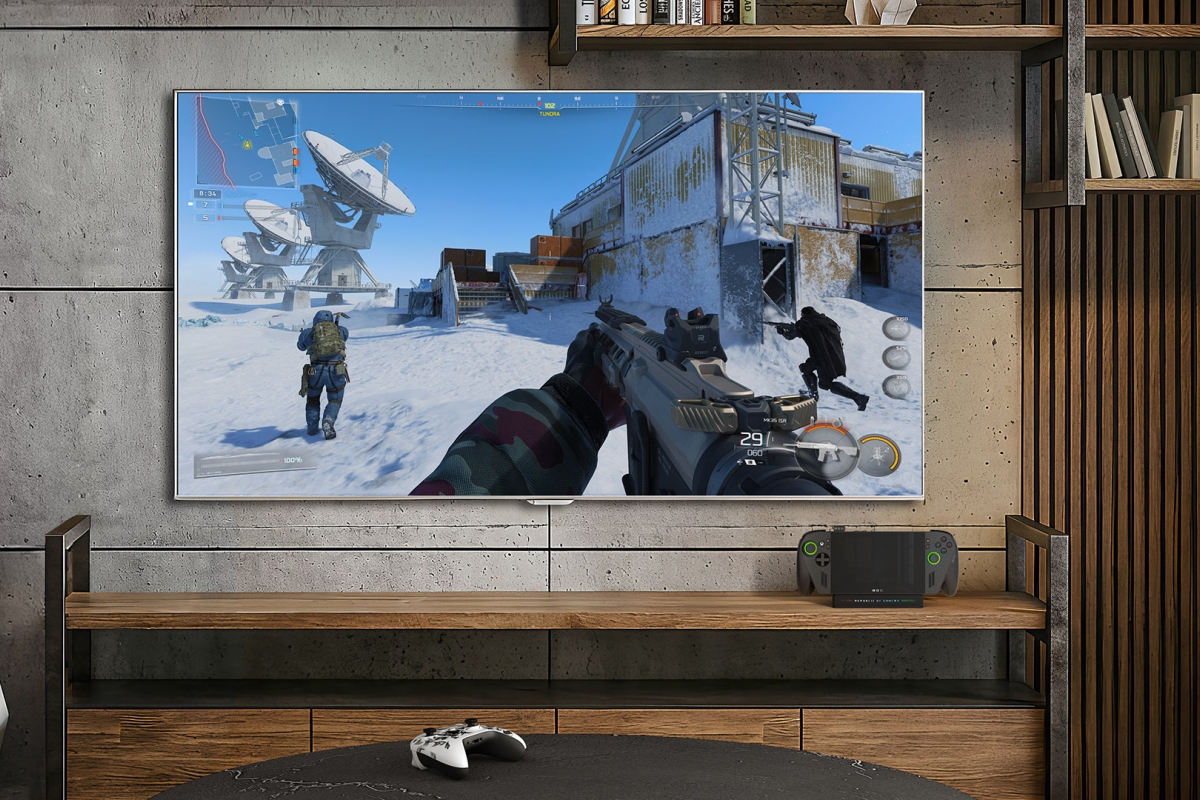
The console ROG Xbox Ally X has received a new function that will improve fluidity in games when we use the video output. A somewhat strange function that is only available at the moment for users of Xbox registered on the channel Insider. It is nothing more and nothing less than Microsoft Auto SRscaling technology Windows 11 that will improve from the operating system itself the SPF in your games.
Auto SR comes to ROG Xbox Ally X: more FPS thanks to the NPU and Windows 11
But to have access to this technology, it is not enough to just have a ROG Xbox Ally X and be registered on the channel Insiderbut also that it is connected to a external monitor with higher resolution than that offered by the integrated screen. Microsoft says that this new function is capable of achieving up to 30% more FPS in Forza Horizon 5 with a resolution of 1440p compared to native rendering at this same resolution.
Auto SR Requirements: Only for ROG Xbox Ally X and with multiple conditions
But there is another surprise in this new feature Microsoft Auto SRand it is only available for the ROG Xbox Ally Xnot because of its power, but because of its CPU. The function makes use of the NPUyes yes, the NPU integrated into this AMD Ryzen AI Z2 Extreme to increase the resolution of games directly from Windows.
In this way, Auto SR runs in parallel with the GPU allowing a lower latency when generating the frames, despite the fact that it has a latency of 1 frame. A function in which it seems that the planets have to align to be able to carry it out, the requirements are:
- Console ROG Xbox Ally X (nothing else is worth it).
- Use mode additional screen connected to the console.
- Windows 11 24H2 or later.
- Have the updated GPU and NPU drivers to the latest version.
- Count on him Latest Auto SR package installed.
- Games compatible with DirectX 10 or higher.
If you meet all these requirements, you only have to adjust the input resolution of the ROG Xbox Ally X to 720p.
The update also improves the dock mode, audio and controller experience on ROG Xbox Ally X
But this update, let’s remember just for Insiders At the moment, it also adds other new functions. Now the integrated screen will turn off when we connect the console to a external screenmoving the video output to the new screen. Support has also been added for game mode on Samsung and LG televisionscontroller pairing improved with this version, a new widget for the game barimprovements in compatibility with the controller cursor, high quality stereo audioetc.
We leave you the complete list of changes with this new update.
Main news
Improvements in dock mode
- The image is automatically displayed on the TV when connecting the dock, turning off the console screen
- Automatic optimization of resolution, refresh rate and HDR
- Automatic activation of gaming modes on compatible TVs (ALLM, Game Mode, etc.)
- Compatibility with HDR10 and VRR (depending on dock)
- Support progressively expanded to more “Designed for Xbox” docks
New screen widget in Game Bar
- Quick adjustments from the controller without leaving the game
- Control of resolution, refresh rate and screen mode
- Only show options compatible with your TV/settings
Better controller pairing
- Automatically disables onboard controls when using an external controller
- Compatible with more games in dock mode (including local multiplayer)
- Easy switching between laptop and dock mode
Gamepad Cursor
- Allows you to use the controller as a cursor
- Compatible with apps without controller support (browsers, apps, launchers)
- Also available in Windows 11 via Game Bar update
Auto Super Resolution (Auto SR) – Preview
- Available in preview phase for Xbox Insider on ROG Xbox Ally
- Improve visual quality without sacrificing performance
- Offers quality close to 1440p with better fluidity
- Integration with Game Bar for easy activation
Enhanced audio with Bluetooth LE Audio
- Lower latency and greater autonomy
- New voice quality super wideband stereo
- Allows you to use a microphone without losing audio quality
- Compatible with headphones such as Xbox Wireless Headset
Improved vibration
- Richer and more precise haptic experience
- Smoother and more detailed vibrations
Unified game library
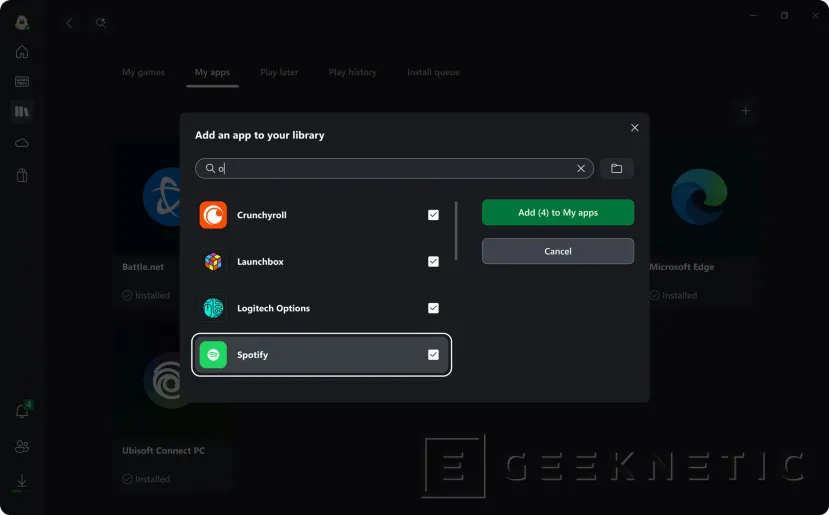
- Integration of games other PC stores in the Xbox app
- Possibility of:
- Add games manually
- Edit name, image and launch parameters
- Launch everything from a single library
- Remove games from the library without affecting your installation
Other improvements and optimizations
- More than 1000 optimized games for portable format
- Program Handheld Compatibility
- Default Game Profiles (optimal automatic settings)
- Advanced Shader Delivery:
- Downloading precompiled shaders
- Faster startup
- Better initial performance
Games compatible with these improvements
They include titles such as:
- Ninja Gaiden 4
- Grounded 2
- High on Life 2
- The Outer Worlds 2
- Ark: Survival Ascended
- Monster Hunter Rise
- Gears of War: Reloaded
- Forza Horizon 6 (launching May 19 with early access)
In development
- More improvements on the way based on user feedback
- Expanding features to more devices with Windows 11
