
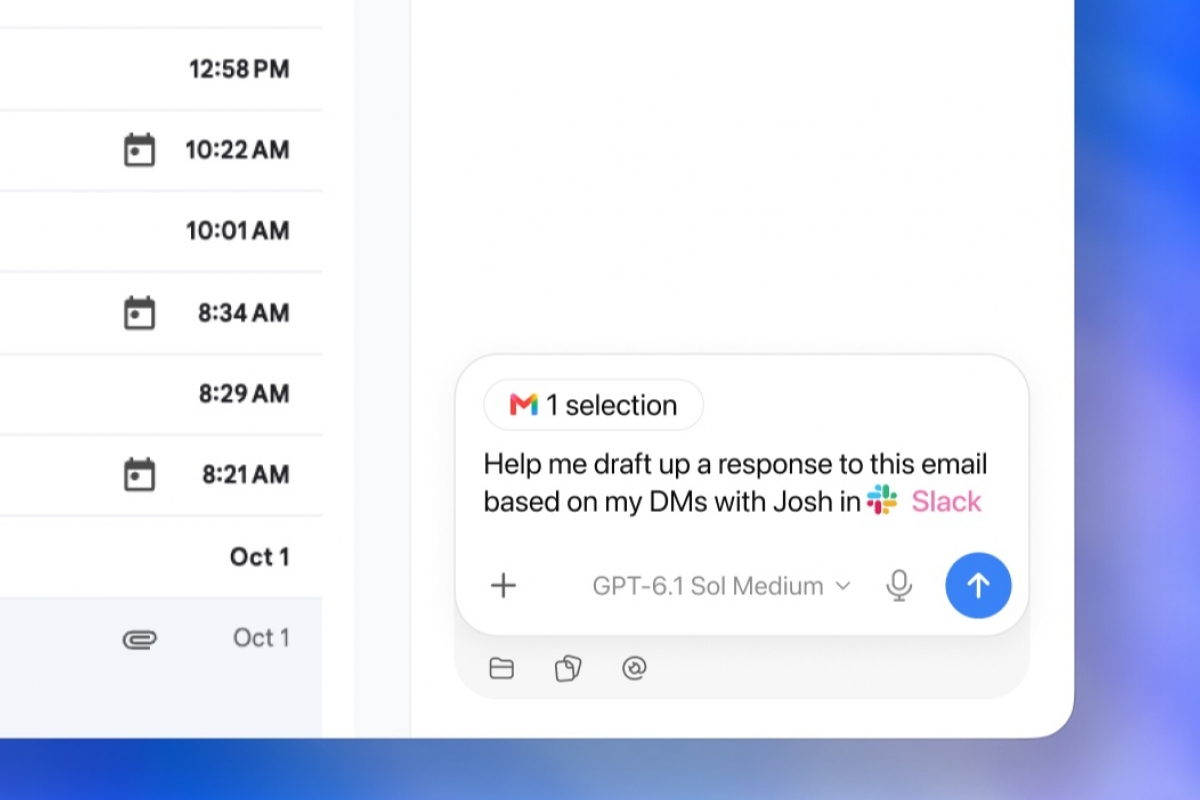
OpenAI integrates ChatGPT into Chrome to control tabs, fill out forms and manage downloads
OpenAI has announced an update for its assistant in Google Chrome, which will now be able to directly control the browser. In this way, AI no longer only reads the content, but can interact with web pages in the same way that a person would.
As explained by the company through a series of official publications, ChatGPT is now capable of accessing the tabs that the user has open to collect data, perform contextual queries and execute routine tasks without leaving the browsing session.
This tool runs directly within the Chrome interface and allows you to keep the wizard panel visible on the side while viewing any website. This way, users have their entire conversation history at hand and can use both quick queries and automated processes while working with multiple pages in parallel.
The extension provides access to Chat mode, but also Work mode
The operation of this novelty is structured through two clearly differentiated work areas. In it Chat modethe system is limited to examining the tabs that remain open in the background to compare information and answer questions using the context of the web. This prevents the user from having to copy and paste blocks of text and switch between multiple tabs or apps.
The modality called Work, for its part, goes a little further. In this case, the assistant is given control over the browser. This is when ChatGPT can interact with web elements to send messages, complete registration forms, manage the download of documents or even classify and group the messy tabs that accumulate during the day.
If you still don’t know exactly why you need ChatGPT to control your browser, here are some ideas that OpenAI itself has shared:
- Compare products. Review several open purchase tabs to compare measurements, materials, delivery times and return conditions.
- Summarize articles. Explain in simple language the main argument of a long text and break down the sources that support it.
- Evaluate service rates. Contrast pricing tables on different corporate pages against a list of prerequisites.
- Fill out forms. Transfer information from an event card to a web record, stopping the process before final sending.
- Prepare supplier tables. Extract names, features and links from various tabs to dump them into a comparison spreadsheet.
- Write contact emails. Analyze professional services on the web and prepare a draft message aimed at the most appropriate option.
- Manage medical appointments. Complete prior admission forms on a specialist’s website and schedule the date on work and personal calendars.
A constant search to justify daily use
After reading the list above, it is evident that several of the cases raised by the company seem to be taken a bit with a grain of salt. It is likely that many advanced users will take advantage of this integration, but it is difficult for this to become massively integrated into the routine of the majority.
This is a pattern that we have been observing in an industry that seeks time and again to make AI useful in the daily lives of the majority of users, despite the fact that daily practice shows that most people only ask a direct question and wait for the response from a chatbot.

Likewise, it also caught our attention that some users wonder how this could be something new, especially given the proliferation of browsers with AI that have been doing all this for a long time. And, although ChatGPT already had an extension for Chrome, the real news is that it can now interact with websites.
