
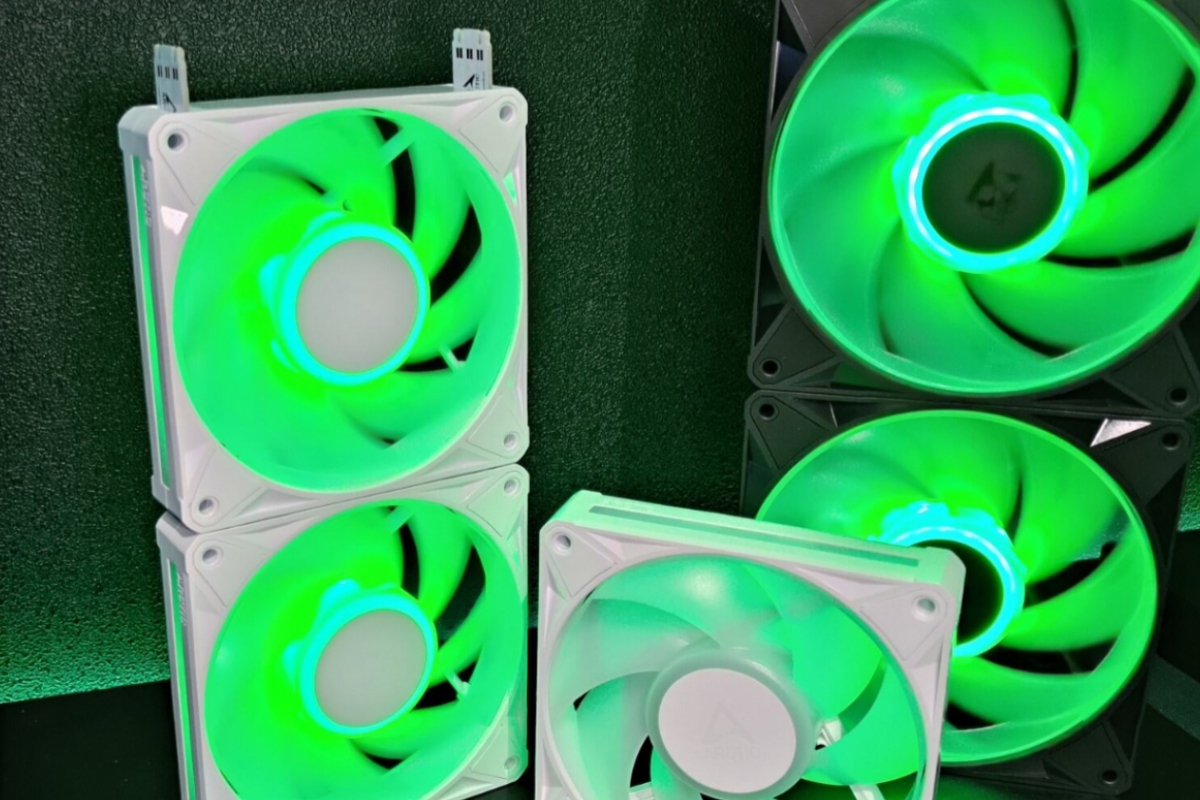
The latest Windows 11 crashes in games like ARC Raider are caused by RGB lighting
After the release of the KB5121003 update (26100.9168) for Windows 11 in its 24H2 and 25H2 versions, numerous users have reported to Microsoft itself about stability problems when trying to run games on their computers such as THE FINALS, ARC Raiders and MARVEL Tokon: Fighting Souls.
These problems caused PC crashes, restarts and closures of the games themselves along with the error: “EXCEPTION_ACCESS_VIOLATION”.
Now, Microsoft has confirmed after its investigation that the cause is an incompatibility with drivers associated with peripherals and components with RGB lighting. Specifically, it seems that the cause would be in the driver inputx64a controller used by several RGB lighting management applications to communicate with compatible devices.
Microsoft does not offer a definitive solution and recommends disabling the inpoutx64 driver from the registry
At the moment, Microsoft has not released any patch to solve the incompatibility and simply indicates that they continue to investigate the problem. As a temporary measure, the company recommends disabling the inpoutx64 drivers by modifying the Windows registry, setting the value “Start” to 4 within the key HKEY_LOCAL_MACHINESYSTEMCurrentControlSetServicesinpoutx64 and then restarting the computer.
The company itself warns that applying this modification may cause the lighting control software to stop working or the RGB peripherals and components to not respond properly. Therefore, affected users will have to choose between being able to use their RGB lighting systems or being able to play these games, if they experience these problems.
Antonio Delgado
Computer Engineer by training, editor and hardware analyst at Geeknetic since 2011. I love to tear apart everything that passes through my hands, especially the latest hardware that we receive here for reviews. In my free time I tinker with 3D printers, drones and other gadgets. For anything, here you have me.
