
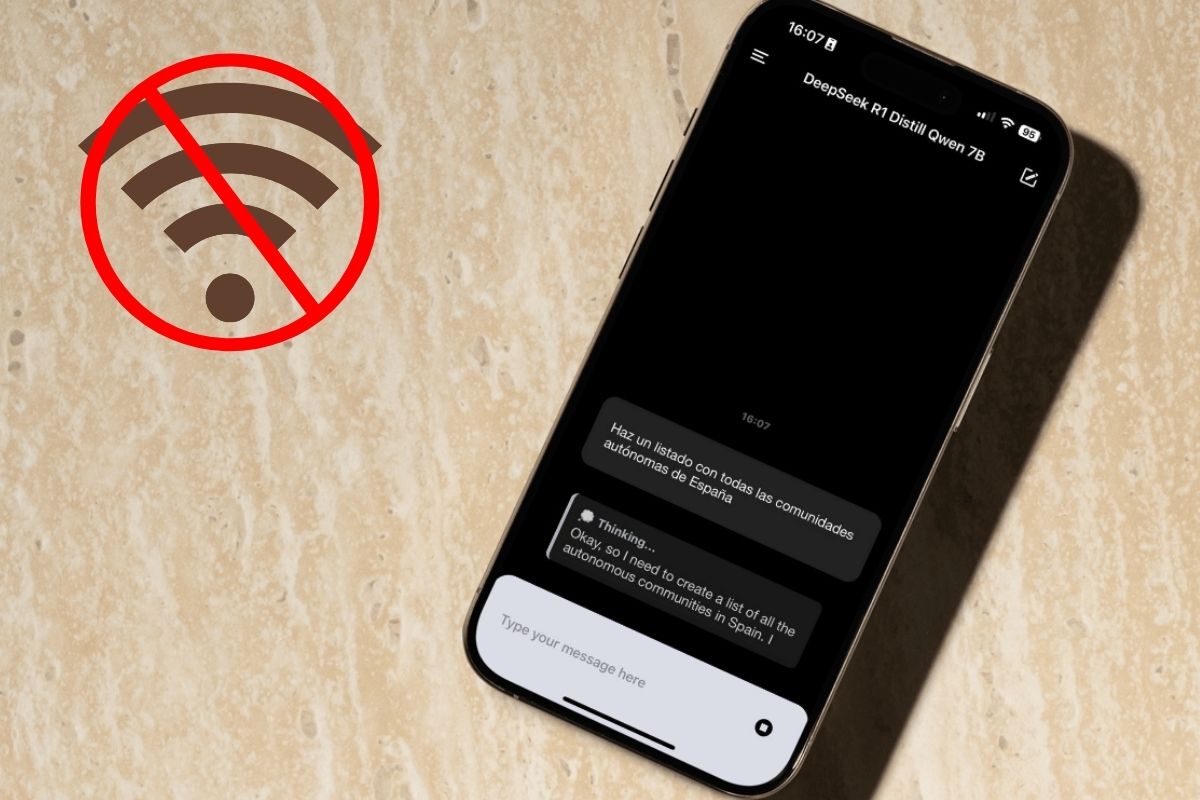
Thus you can install an AI like Deepseek at your home on your iPhone
Local LLM models arrive at the iPhone
In this guide I will show you a tool that allows you to download e Install language models on your iPhone. It is a totally free application that works similarly to Ollama, an application-based application with which you can install Depseek-R1 on your PC. And what is the objective of this guide?
My intention is to teach you to interact with language models that, due to its size, They are totally functional on a more or less modern iPhone. This way, You keep your privacy and eliminate the requirement of the Internet connection that most chatbots have. Nor is it necessary for you to open an online account or provide your data to anyone. Whatever you do with the models It does not leave your iPhone. Do we get down to work?
Requirements to execute a LLM on the iPhone
To execute local models on the iPhone, no special requirement must be met. For my part, I have tried this method in a iPhone 14 Pro. At the time I write these lines, This is a model that is two generations behind the most current model. Leaving aside that this is my personal device and that I do not have access to any more current iPhone, the truth is that using this device seems to me a good idea.
Remember that Apple Intelligence, the AI tools package, is available from the iPhone 15 Pro. After reviewing many tests of other analysts, it seems that Apple is combining the cloud and smaller local models. It is not necessary to try a local LLM to confirm Apple’s self -voices: Restricting these functions to the most current models is nothing more than a marketing strategy.
My recommendation, regardless of the iPhone you have, is that Follow the steps I show you below. Then, try different models to see how much your device gives. You can try with total tranquility large models without fear of damaging your iPhone. In the event that the model is too heavy, the application will collapse. It will be enough to access it again to try a different model.
Deepseek-R1 7b and other local models on your iPhone thanks to Pocketpal
Some applications have already appeared in the App Store that allow you to lower and use various language models. The one that worked best for me is Pocketpal. There are some things that I liked a lot about this application, although then I explain them to you.
For now, let’s see how to configure it. The first thing you should do is download Pocketpal from the App Store. Once you have it on your device, follow these steps:
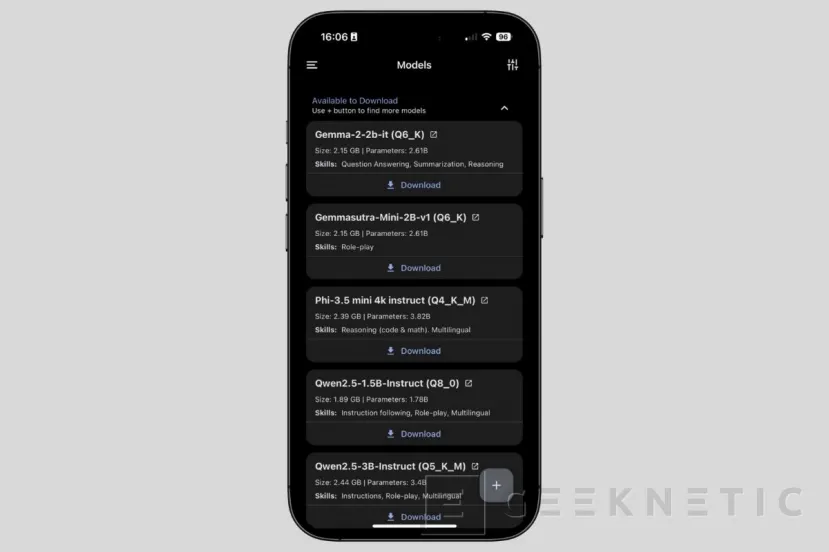
- Press the button Go to models To see the list of available models.
- Touches in Download To lower some of those you see on the list.
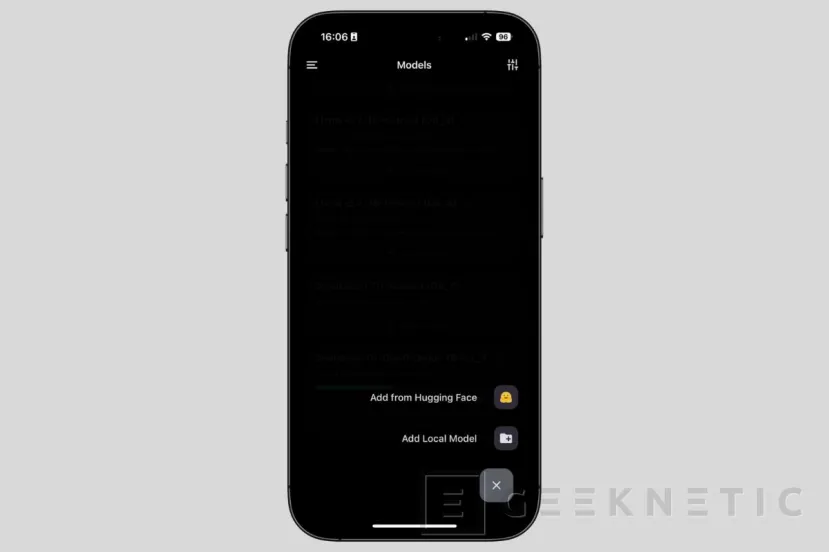
- If you prefer to explore models of Hugging Faceclick on the button Further. Then select the corresponding option.
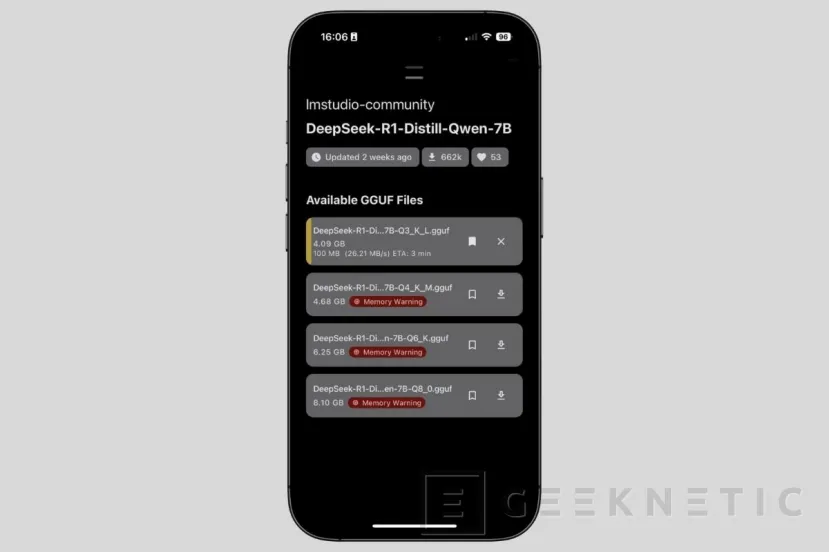
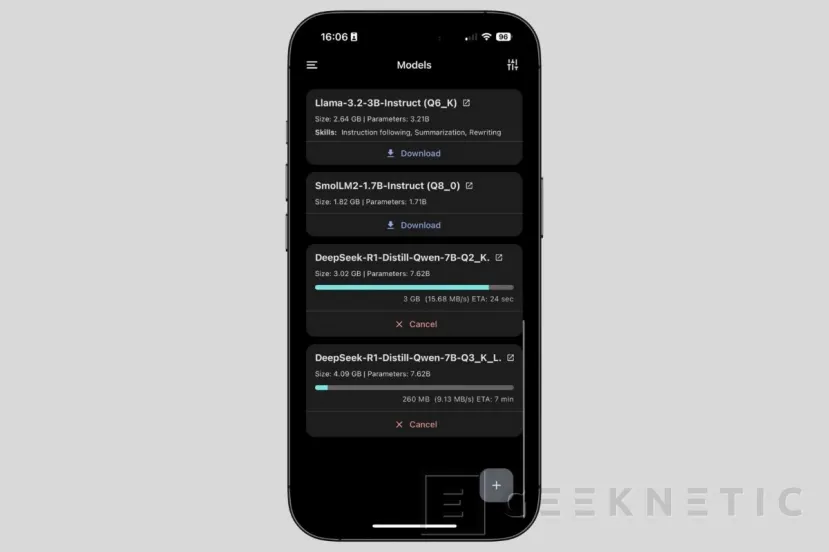
- Use the search engine to find the model you want to use. I have found one of Deepseek-R1 distilled with qwen. Has a size of 7 billion parameters. Download progress appears in yellow.
- If you return to the main list, you will see that the models are downloading.
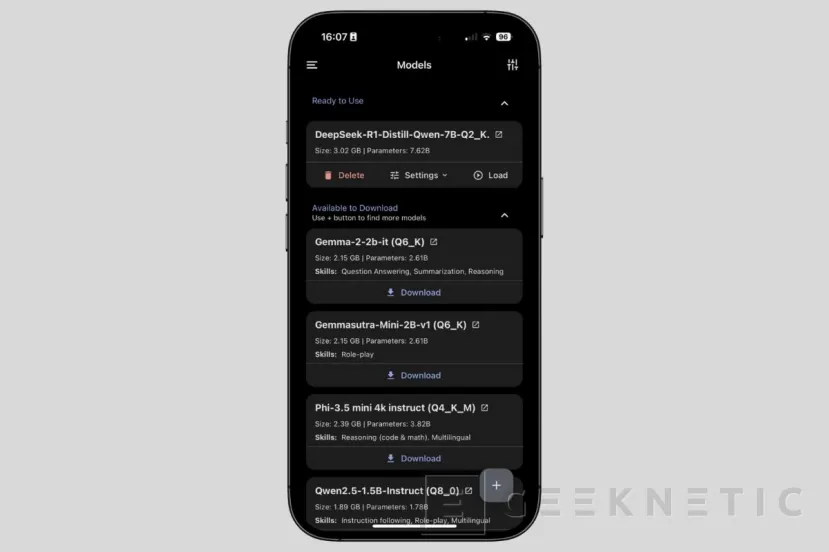
- Once the models appear in the section Ready to usethe last step is to press in Load.
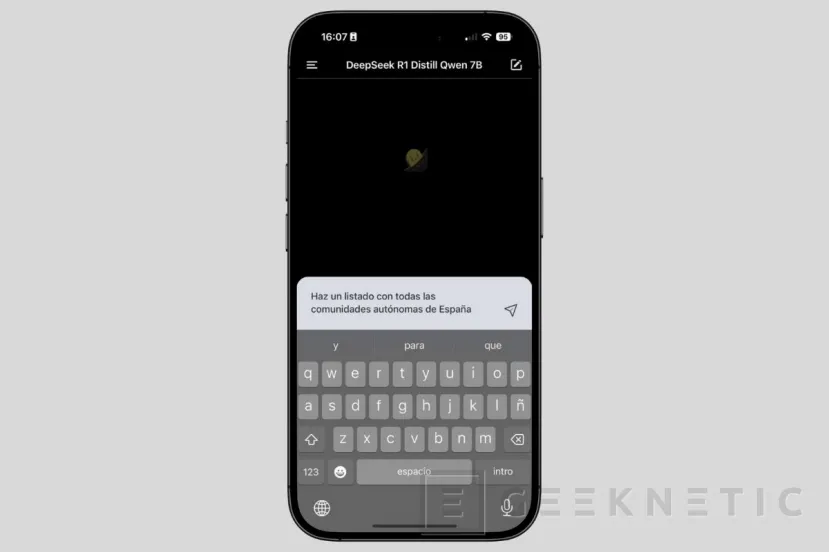
- Open a new chat and write your request.
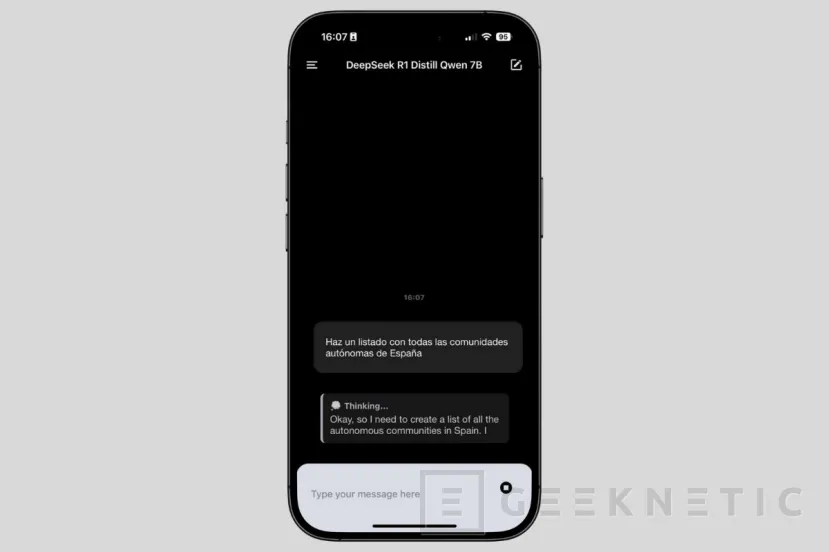
- Finally, let the model respond.
The performance will depend on your iPhone processor. The newer, the faster the models will go. My recommendation is that, in the most recent devices, You run 7 or 8 billion models. Maybe you can execute a little bigger, as long as you are patient. Smaller models can help you solve fast doubts, summarize text and process basic data.
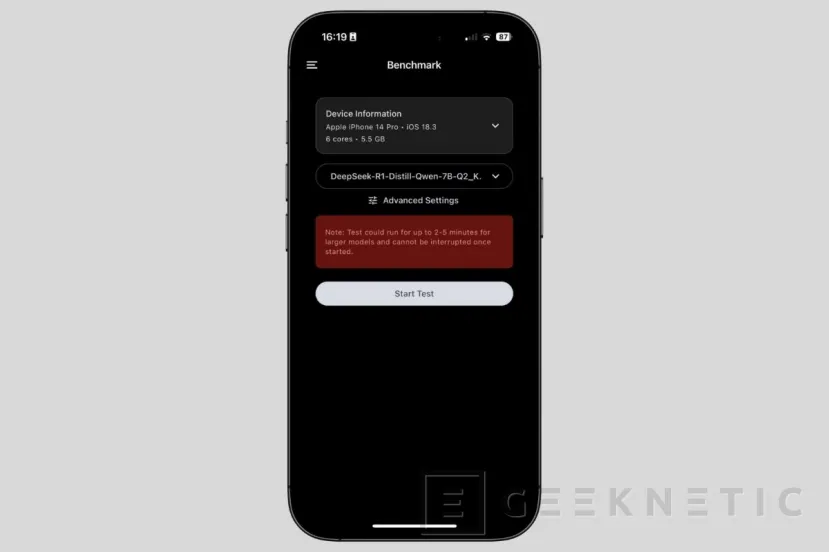
The strong point of this application, in addition to not requiring connection and logging with an account, is that it comes with some additional tools. For example, it allows Make a benchmark to the device using any model you have downloaded.
In addition, it has typical chatgpt options. For example, it allows you to edit the requests after being sent. It is also compatible with metal, Apple’s graphic API, which allows you to make the most of the iPhone GPU (it must be activated in the adjustments). Now, his Integration with Hugging Face It is undoubtedly his best asset. The latter opens the doors, not only to use language models in local and from the iPhone, but to execute diffusion models to create images directly from your device.
